
Integrate and buy
One connection to every media owner on the platform: registered once, switched on by each media owner, with the floor shown before you bid and a reason with every rejected creative.
ExploreA play not confirmed in time is reported to you as not shown, and in real-time bidding it is never billed. Where the screen sends photographs, you can fetch the photographs of your own ad. And each auction win notice carries the price you pay.
The context
A buyer reconciles at night against totals the supply side sends later. When a play shows as missing, nobody can tell at once whether the screen went dark or the confirmation came late, and the client often hears about it before anyone has checked.
01/03Delivered or not shown, for every opportunity
“Our reconciliation says a play never happened, the media owner says it aired, and we have already told the client.”
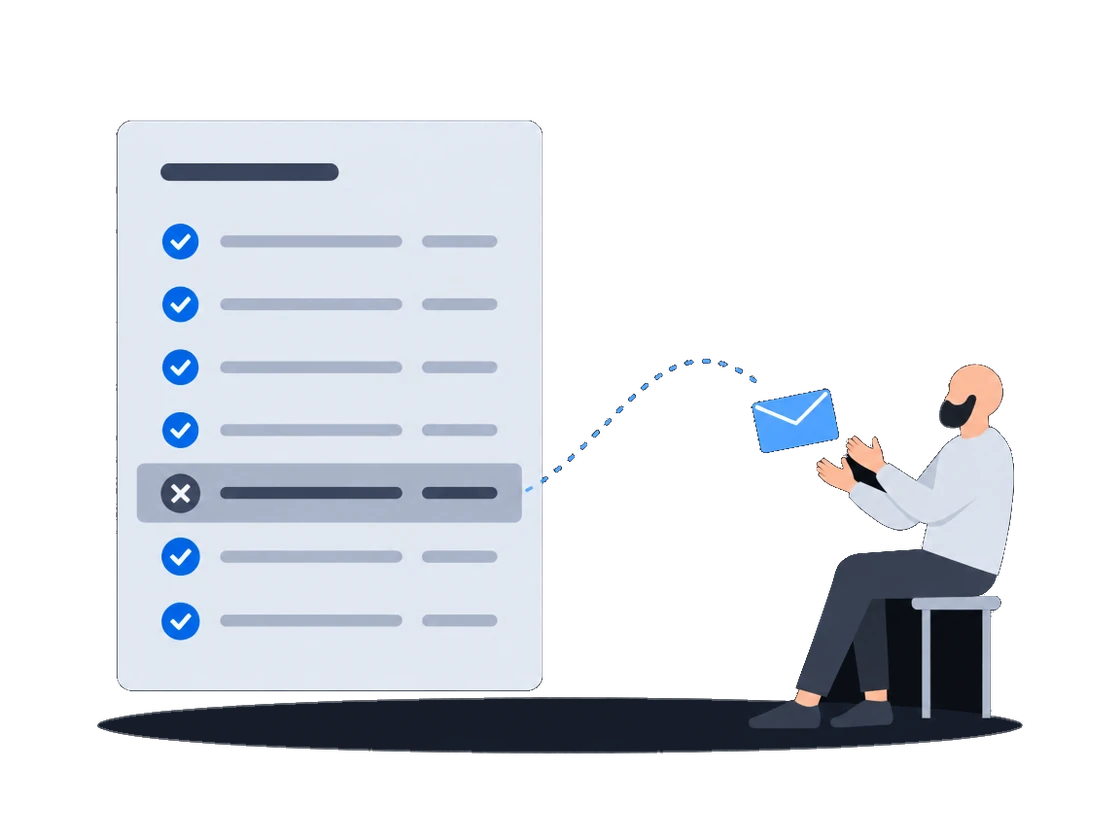
The platform tells you the outcome of every opportunity: delivered, or not shown. A play not confirmed in time is written off and reported to you as not shown, with the price it would have cost; in real-time bidding it is never billed, whatever the screen did. Each outcome reaches you as its own notice, which keeps your figures in line with the media owner's.
Marking an ad request failed sends the demand partner an unshown notice for that opportunity, carrying a reason indicating the playback was never synchronized, together with the price that would have been charged.
This matters for reconciliation. The platform notifies the outcome of each opportunity to the demand partner, delivered or not shown, and retries the notice, up to a retry limit, until the partner acknowledges it. A written-off play is therefore reported to the buyer as not shown.
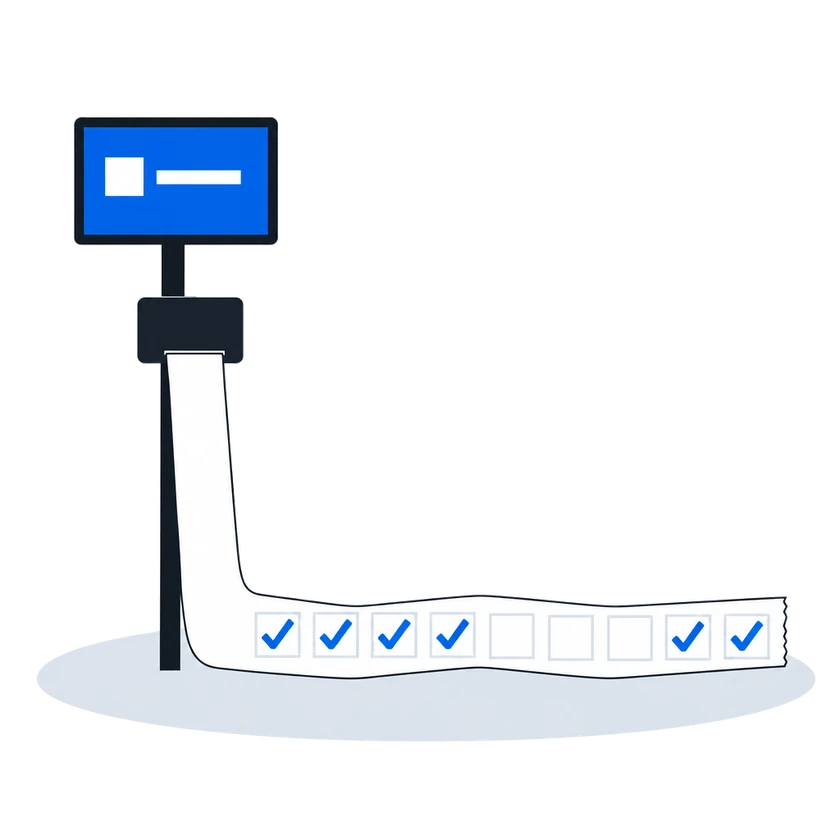
An ad request that is not confirmed within two hours of being answered is written off. After that, the platform accepts no confirmation for it from any source.
Confirmation-window write-off for late playsNothing is recorded when a bid is won. The record is written when the content management system confirms that the advertisement actually played and the ad request is marked successful. An ad play that goes unconfirmed, or is confirmed too late to be matched, produces no financial transaction — see Late and lost plays for the window.
Append-only financial transactions0203
“When an advertiser asks whether it really played, the answer is a photograph.”
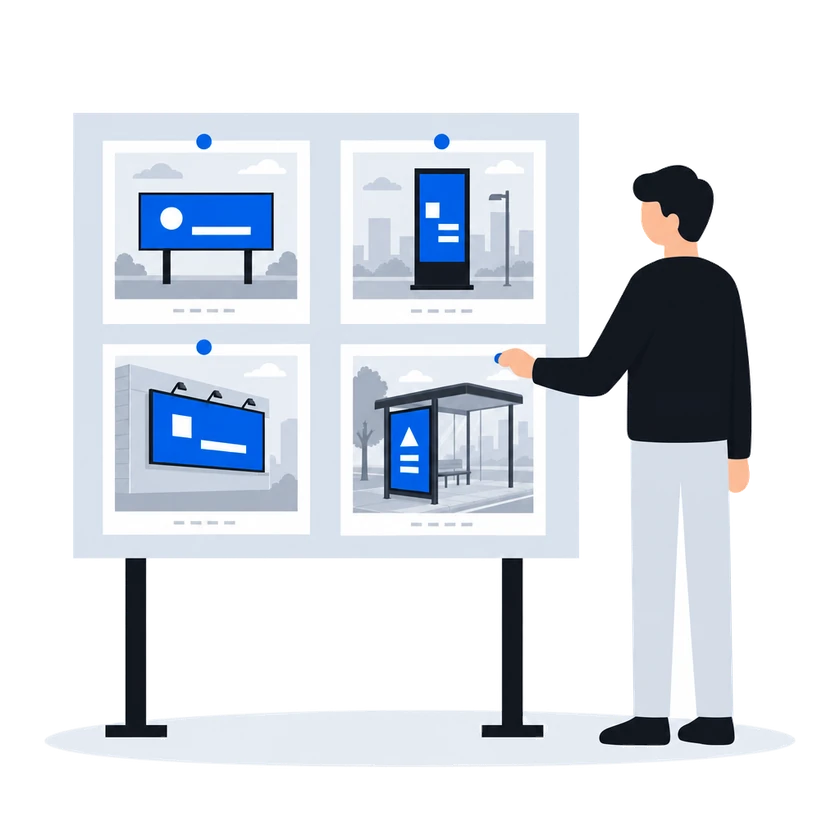
Where the screen's CMS sends photographs with the plays it reports, the platform keeps a morning, a noon and an evening photograph of each ad on each face. The buyer can fetch the photographs of its own ad through its DSP, on the faces it ran on. A photograph the media owner's team supplied by hand is marked as such, so the buyer can tell it from one that arrived on its own.
How it works, from the documentation (written for media owners)
A photo capture is a photograph of the physical screen, taken while a particular advertisement was on it. It is visual evidence that the advertisement appeared on a real installation, in addition to a player’s log of the playback.
A photo capture is the separate, photographic form of evidence. It exists only for the faces whose content management system supplies one, and it does not affect counting or pricing in any way. A campaign with no photo captures at all is counted, reported and billed exactly like one with a full set.
Who can view them:
Demand partners. Over the SSP protocol, a demand partner can fetch the three permanent captures for its own creative across the faces it ran on, the photograph attached to one specific delivered opportunity, and the most recent working copy for a given face. Each permanent capture is returned together with a marker saying whether it was collected automatically or supplied by a person.
Photo captures (proof-of-play photographs)“The floor is shown before every bid, and in an auction every losing bid comes back with its reason.”
In the default second-price auction, the least bid that can win is shown before bidding: the media owner's floor, with the platform's commission on top. A bid that fails a check is dropped, and the reason is sent back. On a price list in auction mode, the winner pays a price set by the runner-up's bid and the floor, and every losing bid is answered with the reason and, when it lost on price, the winning amount. On such a price list, the winner pays its own bid only if the platform administrator has switched that winner to first price.
How it works, from the documentation (written for media owners)
A floor price is the least an organization will accept for one slot on one face. It is the number a demand partner is shown when it is offered the opportunity, and the number its bid is measured against when it answers.
In a second-price auction, the default, one thing happens between the number typed into the price list and the number a demand partner sees: the platform’s commission is added on top. The demand partner is asked to bid at least the amount that covers both the organization’s floor and the platform’s cut.
Bid floors, including audience-based floor pricingA partner’s answer has to survive several checks before it counts as a bid at all. An answer that fails one of them is dropped, and the partner is told why over the same channel used for loss notices.
Second-price RTB auctionEvery RTB price list runs in one of two modes, chosen when it is created and changeable afterwards.
Auction mode offers the opportunity to every demand partner in the price list at once and compares the bids that come back. This is the ordinary mode, and the one behind everything the RTB Auction section describes.
Waterfall mode asks the same partners and takes the first usable answer instead of comparing prices.
RTB price lists (targeting & priority groups)The auction is second price, unless the platform administrator has set first price for the winning partner, in which case the winner is charged its own bid. The winner is charged a clearing price derived from the runner-up’s bid and the floor price, expressed over the winner’s own creative length. Where there is no usable runner-up, the floor price is the basis.
The runner-up is the highest of the losing bids that does not exceed the winner’s, measured per second of creative. When the price list prices several creative lengths separately, only losing answers whose creative is the same length as the winner’s are considered; when the price list prices a single length, all losing answers are.
The clearing price is what the winning partner is told in its win notice, what the platform’s commission is calculated on, and what appears in reporting. The bid the partner originally submitted is recorded alongside it.
Every partner that answered and did not win is sent a loss notice carrying the reason and, where it lost on price, the winning amount.
Second-price RTB auctionBefore you start
What you doWhy, from the documentation
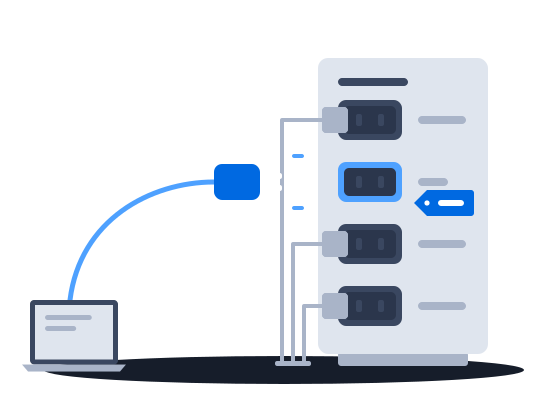
Connect once: agree with the platform administrator what kind of buyer you are registered as, and you appear in every media owner's list, ready for it to switch you on
Registering a partner is the platform administrator’s work. It adds one row to a registry the whole installation shares. The kind of buyer fixed on that row at registration decides whether the partner bids at all, whether a second row of that kind may exist, and which protocol the platform speaks to it — so it is worth agreeing with the partner what it should be before it is registered.
Registering a partner is platform administrator work. It creates one row in a registry shared by every organization on the installation. The partner’s identity and system type are fixed at that moment. Once the row exists, the partner appears in every organization’s list of demand partners, switched off.
Connecting and enabling a demand partnerAcknowledge every outcome notice, because the platform retries a notice until you acknowledge it
Fetch the photograph of a single delivered play within an hour of the play: after that, that copy is deleted, and only the permanent photographs of your ad stay
The working copy exists so that the permanent set can be assembled and so that a demand partner can fetch the photograph for a specific delivered opportunity while it is fresh. A working copy lasts between one and two hours.
Quoted in “A photograph when the buyer asks if it really played” above Photo captures (proof-of-play photographs)
Selling in real time
Demand connections
Delivery, proof-of-play & money
Other scenarios
One connection to every media owner on the platform: registered once, switched on by each media owner, with the floor shown before you bid and a reason with every rejected creative.
Explore