
Prove every play
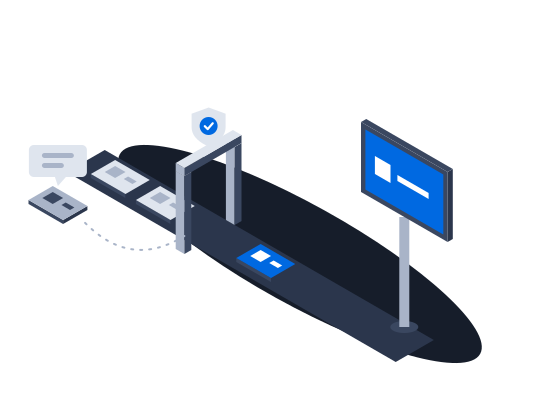
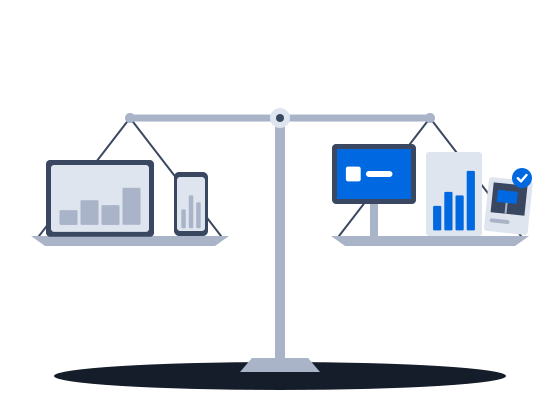
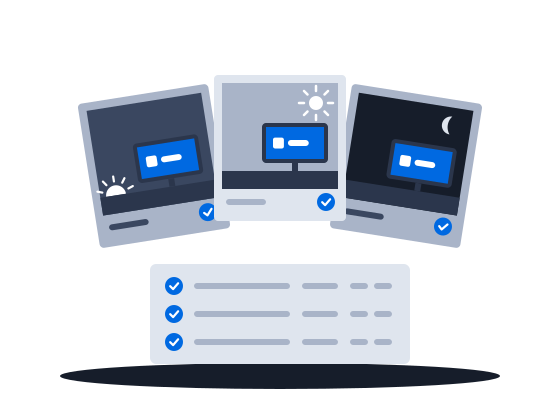
Sell airtime on figures the buyer builds from the same confirmed plays as you: every opportunity, played or not shown, reported to the buyer, photographs where your CMS supplies them, and money records nobody rewrites.
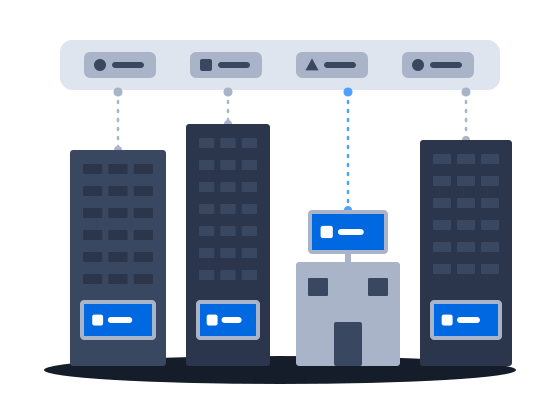
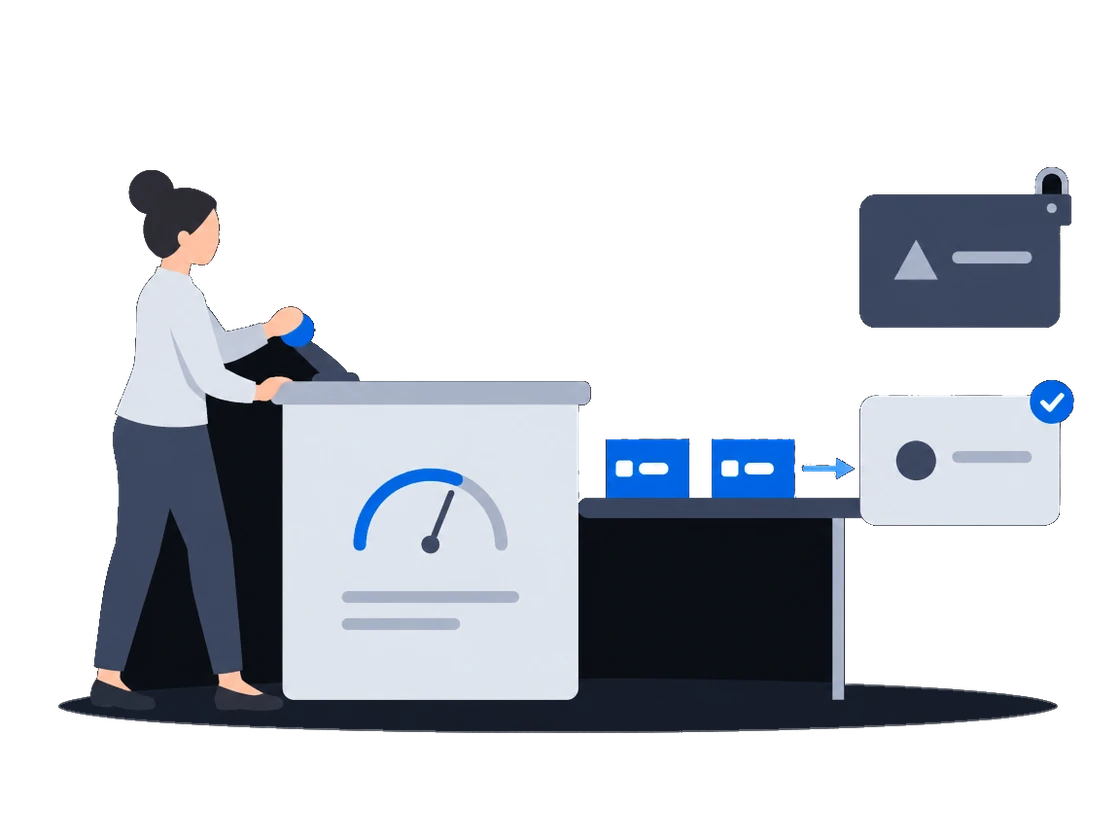
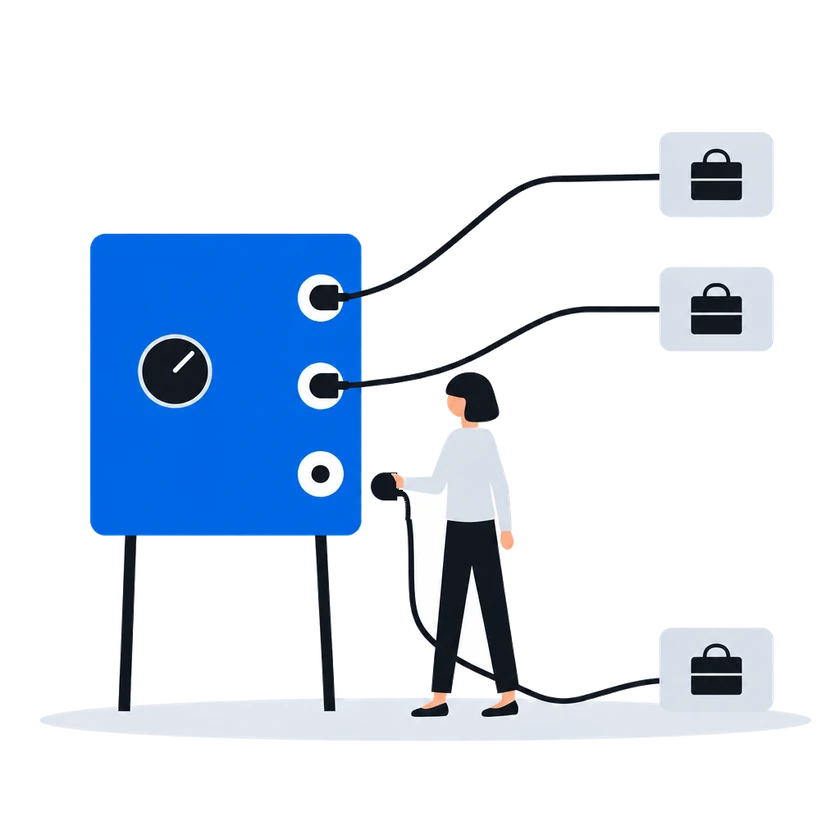
ExploreOnly the demand partners you enable can buy, on the faces your price list gives them. A partner you switch off is cut off at once. In an auction, each partner sees your floor before it bids and is told the price it won at, or why it lost.
The context
To reach programmatic budgets, a media owner usually puts its screens into someone else’s marketplace. From then on, the marketplace decides who may buy which screens and at what price, and a media owner that wants a buyer gone has to ask for it.
01/03Only the partners you enable, on the faces you choose
“Nobody upstream of us is also buying our airtime: the platform buys no advertising, and only the partners we enable may bid.”
CS Context sells your airtime on your behalf and buys no advertising itself, so it never bids for your screens. A demand partner can buy only once your organization has enabled it, and your price list decides which partners may buy which faces, at what floor.
CityScreen Context is a supply-side platform (SSP) for digital out-of-home advertising. It sells the airtime on a screen operator’s screens, on that operator’s behalf, to the buyers connected to it.
It does not own screens, does not play anything on them, and does not buy advertising. It sits between the system that runs the screens and the systems that want to advertise on them, and it decides what is sold, to whom, and for how much.
A demand partner has to pass two gates before it can buy anything. The platform operator registers it once, platform-wide. Each organization then enables it for itself, with its own connection details.
Neither gate substitutes for the other. A registered partner no organization has enabled buys nothing; an enabled partner whose registry row is switched off buys nothing either.
Connecting and enabling a demand partnerAn RTB price list is the central selling rule. One price list decides, at the same time, which demand partners may buy, which faces they may buy, what the floor price is and how the answers that come back are compared.
RTB price lists (targeting & priority groups)0203
“When we stop selling to a partner, it stops being asked and loses access to our catalog in the same moment.”
Switch a demand partner off for your organization, and it stops being asked for your slots and can no longer read your catalog, at the same moment. To keep a partner off only some faces, exclude it in the price list for those faces.
How it works, from the documentation
Where the settings are enforced:
At the door, when the partner calls the platform. A partner reading inventory, submitting a creative or pulling statistics presents the organization’s access token under its own provider id. The call is accepted only if that organization has that partner enabled. Disabling a partner therefore closes its read access at the same moment it stops the bid requests, without any credential being revoked.
Enabling a partner makes it available to the organization. Which of its enabled partners actually see a given face is decided by the price list covering that face, and a price list expresses this in one of two shapes.
An allow list. The priority group names the partners it contains. Only those partners are asked.
A block list. The priority group is marked as an exclusion and names the partners to leave out. Every other partner the organization has enabled is asked.
Connecting and enabling a demand partner“The floor is shown before every bid, and in an auction every losing bid comes back with its reason.”
In the default second-price auction, the least bid that can win is shown before bidding: the media owner's floor, with the platform's commission on top. A bid that fails a check is dropped, and the reason is sent back. On a price list in auction mode, the winner pays a price set by the runner-up's bid and the floor, and every losing bid is answered with the reason and, when it lost on price, the winning amount. On such a price list, the winner pays its own bid only if the platform administrator has switched that winner to first price.
How it works, from the documentation
A floor price is the least an organization will accept for one slot on one face. It is the number a demand partner is shown when it is offered the opportunity, and the number its bid is measured against when it answers.
In a second-price auction, the default, one thing happens between the number typed into the price list and the number a demand partner sees: the platform’s commission is added on top. The demand partner is asked to bid at least the amount that covers both the organization’s floor and the platform’s cut.
Bid floors, including audience-based floor pricingA partner’s answer has to survive several checks before it counts as a bid at all. An answer that fails one of them is dropped, and the partner is told why over the same channel used for loss notices.
Second-price RTB auctionEvery RTB price list runs in one of two modes, chosen when it is created and changeable afterwards.
Auction mode offers the opportunity to every demand partner in the price list at once and compares the bids that come back. This is the ordinary mode, and the one behind everything the RTB Auction section describes.
Waterfall mode asks the same partners and takes the first usable answer instead of comparing prices.
RTB price lists (targeting & priority groups)The auction is second price, unless the platform administrator has set first price for the winning partner, in which case the winner is charged its own bid. The winner is charged a clearing price derived from the runner-up’s bid and the floor price, expressed over the winner’s own creative length. Where there is no usable runner-up, the floor price is the basis.
The runner-up is the highest of the losing bids that does not exceed the winner’s, measured per second of creative. When the price list prices several creative lengths separately, only losing answers whose creative is the same length as the winner’s are considered; when the price list prices a single length, all losing answers are.
The clearing price is what the winning partner is told in its win notice, what the platform’s commission is calculated on, and what appears in reporting. The bid the partner originally submitted is recorded alongside it.
Every partner that answered and did not win is sent a loss notice carrying the reason and, where it lost on price, the winning amount.
Second-price RTB auctionBefore you start
What you doWhy, from the documentation
Agree your organization's commission with the platform administrator before you go live, because at zero nothing sells
A newly created organization starts with its organization tariff commission at zero, and the platform sells only once it is above zero.
Before the platform offers a bid opportunity for a face it resolves a tariff commission for that face — the face’s inventory tariff if one covers it, the organization tariff otherwise — and while that value is zero or below the ad request is refused and no demand partner is asked. The content management system gets an error.
Only the platform administrator can raise the organization tariff commission above zero, so agree on it with them at the same sitting as the organization is created.
Organization setup & legal entitiesHave the platform administrator register a new demand partner once, then enable it for your organization
Registering a partner is platform administrator work. It creates one row in a registry shared by every organization on the installation. The partner’s identity and system type are fixed at that moment. Once the row exists, the partner appears in every organization’s list of demand partners, switched off.
Connecting and enabling a demand partnerPut a demand partner and a floor price in a price list
Minimum viable pricing in CityScreen Context is three things: a price list, a demand partner in it, and a floor price on it.
RTB price lists (targeting & priority groups)Give each partner your organization's identifier and access token, so it can read your catalog and send creatives
The partner needs four things from you before it can read your inventory or submit a creative:
Partners on their own protocols — the platform implements an adapter for each — need only the first three; Supported partners says which is which.
Connecting and enabling a demand partnerSelling in real time
Demand connections
Administration
Other scenarios
Sell airtime on figures the buyer builds from the same confirmed plays as you: every opportunity, played or not shown, reported to the buyer, photographs where your CMS supplies them, and money records nobody rewrites.
ExploreAgency money consolidates toward networks that are easy to buy. CS Context lets an independent network enable, with its own connection details, the demand partners already on the platform, and keeps the delivery evidence in the same system.
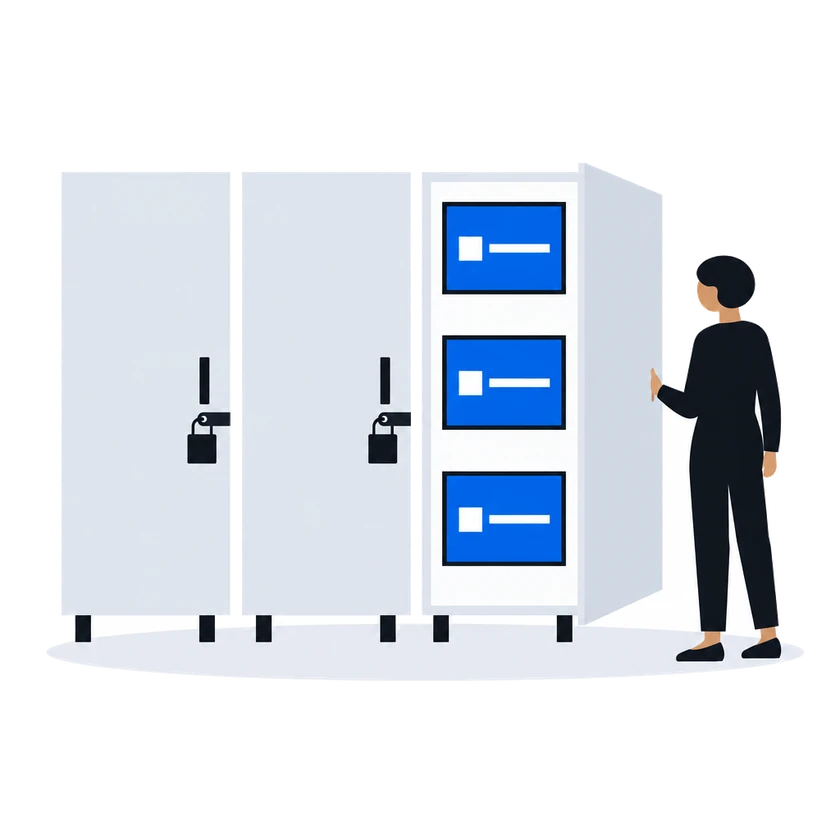
ExploreA buyer's creatives reach the street after your own departments sign off, on the faces you choose; only the buyers on your automatic approval list and the partners you sell to through private deals skip the queue.
ExploreThe budget rival is the online channel that proves delivery event by event. CS Context gives out-of-home delivery evidence a media buyer can compare with it.
Explore