CS Deals
CRM · Sell

One system from request to photo report

CS Deals runs the full commercial lifecycle of an OOH deal: inquiry, proposal, reservation, booking, invoice, payment, proof.

CS Deals in brief

The sales CRM for digital screens and printed displays

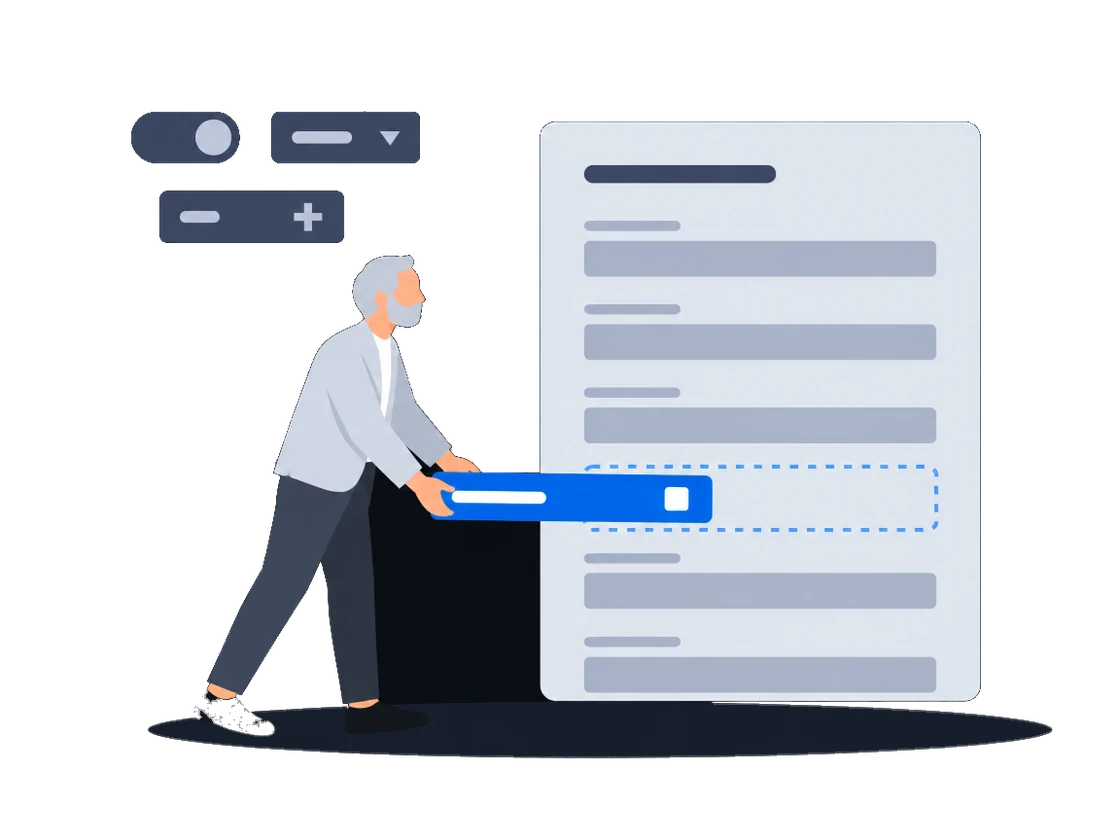
Your sales team keeps inventory, customers, proposals and paperwork in one place, and contracts and invoices come out of your own templates. Your administrator shapes the document types, fields and processes to the way your company sells.

Who works in it
Sales managers handle deals, proposals and customers day to day, and administrators decide what each team may see and change.
What you sell in it
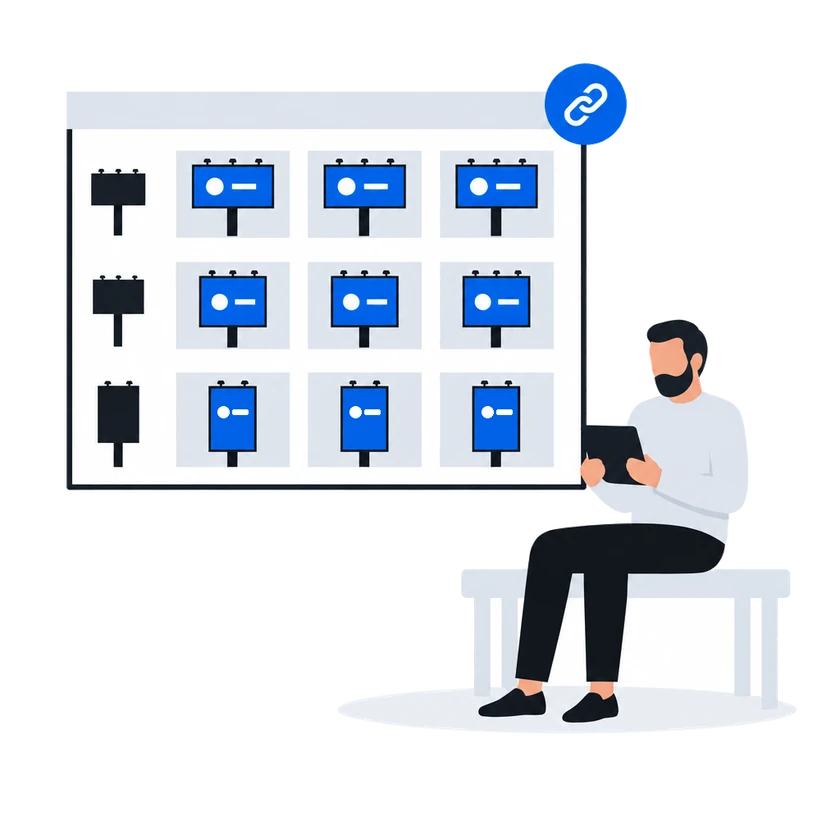
CS Deals keeps digital screens and printed displays in one inventory and prices each type by its own rules from your price lists.
Next to other CityScreen products
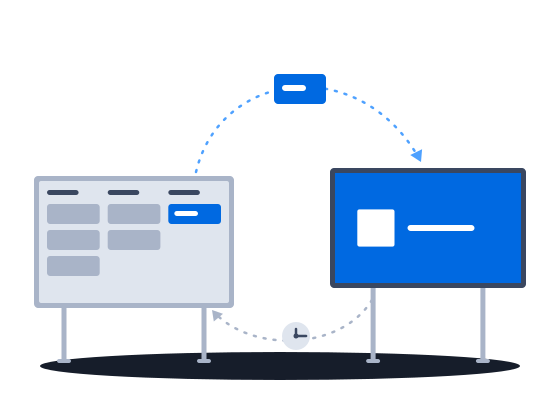
Your screen list comes from CS Play, a booked deal reaches CS Play as a campaign, and CS Context stops selling what your sales team has reserved or booked.

What CS Deals does

01 · proposals

Proposals with a memory.

When a booked proposal is renegotiated, you open a new numbered revision, and every earlier revision stays readable as it was, so you can always show what was agreed before. The proposal goes to the customer as XLSX, or as DOCX and PDF in your own branded layout.


02 · availability check

CS Deals keeps you from selling a fully booked display again.

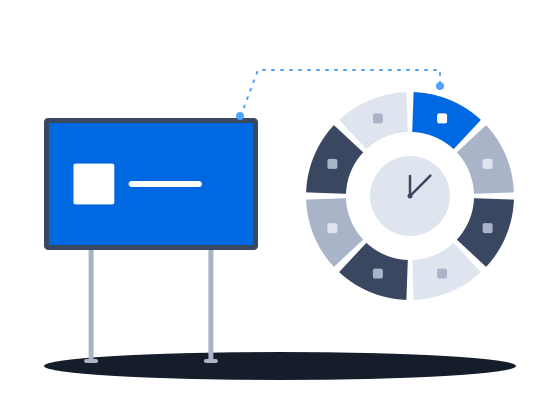
The check runs when a proposal is saved and when a deal is booked, and no permission overrides it. A reservation holds a display for a customer on the saturation timeline and leaves it open to other sales until the deal is booked.

03 · photo reports

Proof your customer can open.

Photo reports sort the photos by display and face. The deal gets a public link the customer opens without an account, and switching the link off revokes access at once.

04 · process automation

Routine steps run on their own.

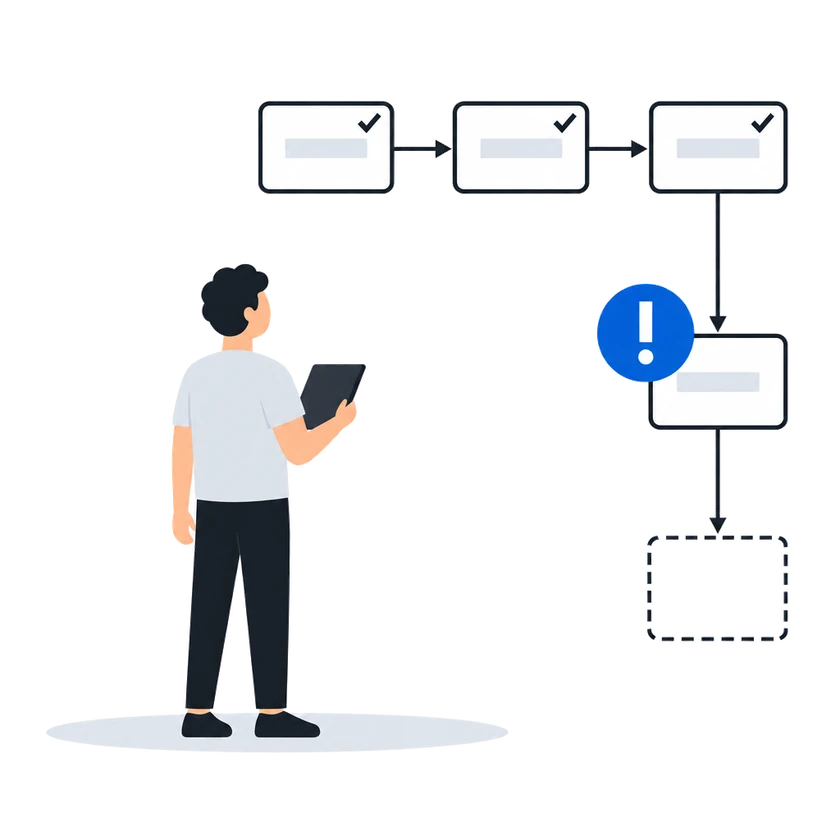
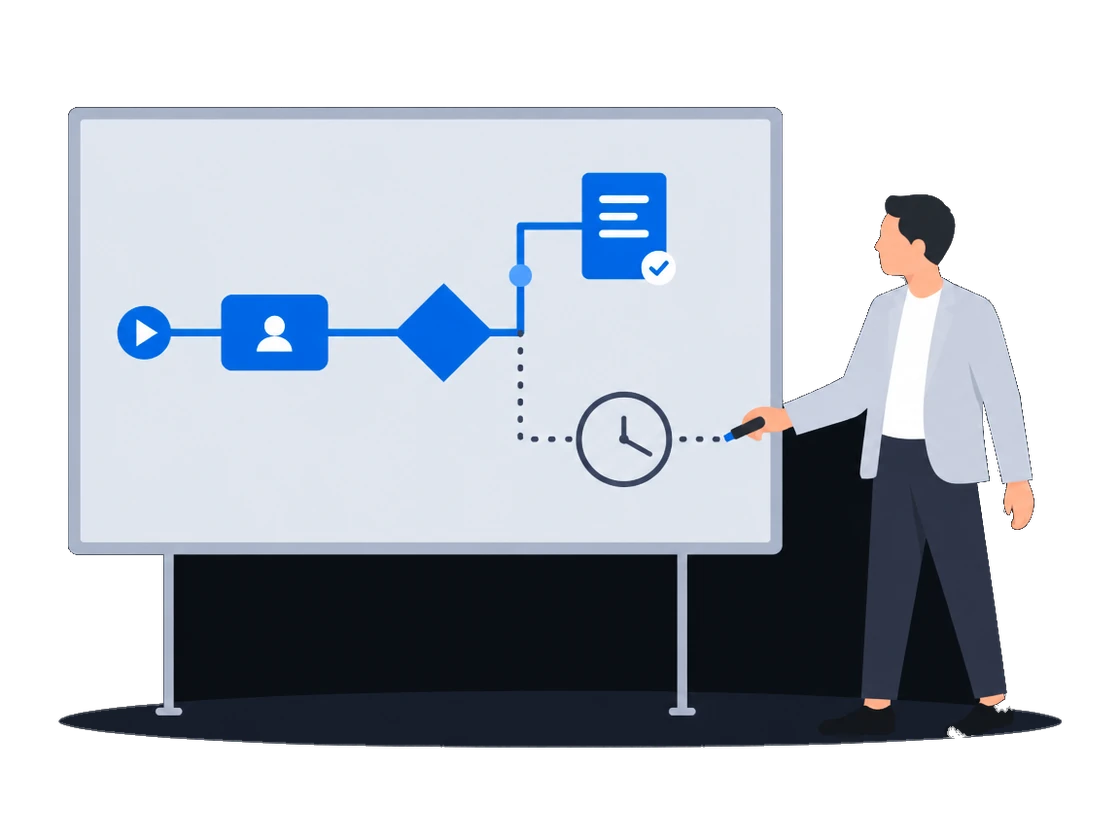
Draw a workflow in the browser, and when a record changes, CS Deals sends the emails, generates the documents and moves the deal to the next stage, so nobody has to remember these steps.

Scenarios

How does your sales team work today?

Each scenario follows one kind of sales team through CS Deals, from selling out of spreadsheets to several teams sharing one customer base. Open the one closest to yours to see these capabilities at work.

Sales runs on Excel and email Selling out of spreadsheets

Proposals priced from your own price lists and sent in your own layout without creating a deal first, sites picked by the places around them, sites shown on a map without prices, and a discount limit enforced on save.

Explore
Several teams sharing one customer base Access set by team

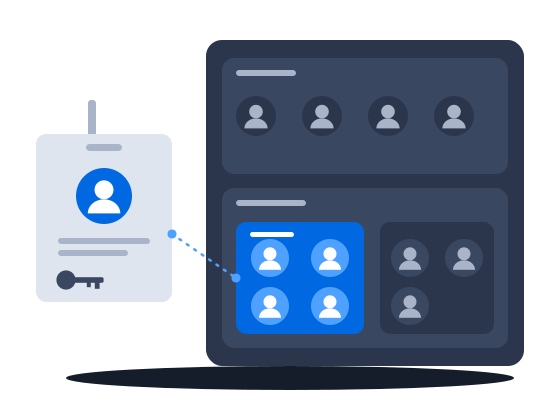
Regional teams, an agency desk and finance in one system: deals open to the teams they are shared with, fields hidden from a group, a list of who may start each process, and a deal history whoever takes it over can read.

Explore
Statutory e-invoicing in Malaysia, a CODA ledger Paperwork the tax authority validates

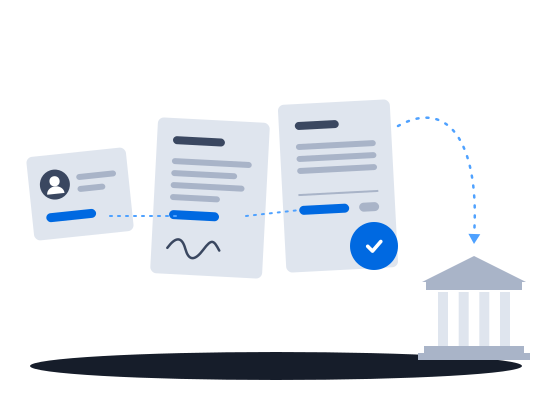
Malaysian e-invoices sent through ClearTax with the QR code attached to the invoice, a contract pack filled from the deal, and approved invoices posted to the ledger.

Explore
Selling to clients with security questionnaires Passing a security review

Two-step verification you can require, a password policy, blocking of repeated failed sign-ins and an exportable sign-in log, a leaver cut off in one action, and a service account for each of your own systems.

Explore
Documents and approvals that are yours Our own paperwork and rules

Your administrator defines the documents you keep, their fields and calculations, and changes them as the business needs; each comes out in a layout you author, and the record types and fields you checked on a test organization reach production in one file.

Explore
Already running a playout platform Sales and playout in step

One sync turns a booked deal into a live CS Play campaign, a changed flight or price on a proposal already sent to CS Play is flagged for another sync, and the screen list arrives from CS Play every hour.

Explore
Repeatable procedures, few hands The desk that runs itself

Processes drawn in the product create and send the documents, each with its own list of who may start it; a failed step is marked on the diagram, and a new version leaves running work alone.

Explore
Static faces, routes, printed campaigns Billboards and poster sites

Proof of posting for every face on one link for the advertiser, printing and installation sold in the same deal as the space, the free boards exported as a presentation, and lease dates a process can watch.

Explore
Screens and rotating faces sold in parts Loops and rotations

Count plays in a digital loop and positions on a scroller or tri-vision where you sell them, keep a campaign with several flights in one proposal, and keep quoted prices when the price list changes.

Explore

Prefer the raw list? Browse all 84 features

Integrations

CS Deals is the commercial hub of the CityScreen platform, and it connects to your back office.

CS Play

Displays sync in every hour. A booked deal goes back to CS Play as a campaign with one Sync: creatives uploaded, ads created and the campaign activated.

CS Context

Free periods are pushed every minute when saturation has changed, so what is reserved or booked in CS Deals leaves programmatic sale in CS Context.

SAP

Customer master data import.

ClearTax / LHDN

Malaysian e-invoicing through ClearTax and MyInvois, with the validation status on the invoice.

Unit4 CODA

Approved invoices posted to the ledger as accounting transactions.

How it works

Getting started in 3 steps.

Step 1
Load inventory

Import displays and counterparties from XLSX, and existing records are matched by GID or name and updated.

Step 2
Quote and reserve

Pick inventory by filters or by hand, price it and send the revision. A reservation marks the slots on the saturation timeline.

Step 3
Book, invoice, prove

Booking takes the capacity, so a fully booked display is rejected in any other proposal. Invoices go to e-invoicing and financials, and the photo report closes the deal.

One pipeline

A booked deal goes to CS Play as a campaign with one Sync, and free periods reach CS Context within a minute, so programmatic stops offering what sales reserved or booked.

CS Context

Programmatic sales you run yourself.

Learn more
CS EdgeInsights

Turn traffic into sellable impressions.

Learn more

Before procurement asks

Answers to the questions IT will raise.

We live in Excel. What changes?
Keep XLSX at the edges: imports match existing records, and every list exports back. The system of record moves off the spreadsheet.
Our sales process is not standard.
Record types add typed fields without code, and the BPMN engine runs the process you draw.
Several teams, one instance?
Yes. Each permission pairs an action with a scope (own records, group or organization), employee groups can nest, and permissions cover several dozen record types.
Can we integrate it ourselves?
CS Play, CS Context, SAP, ClearTax and Unit4 CODA have built-in integrations, which CityScreen enables for your organization. Any other system connects through the process engine, where a script task can call it over HTTP.

Run your sales on CS Deals.