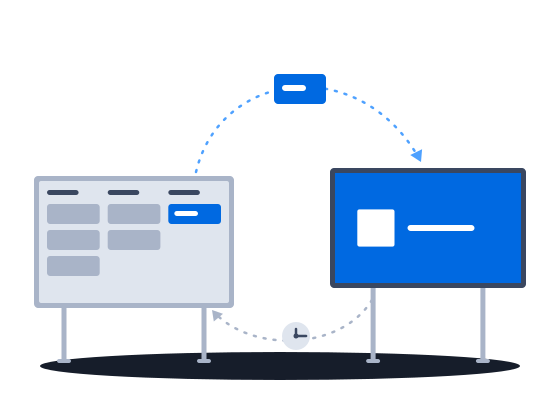
Proof of posting for every face, kept on the deal that sold it
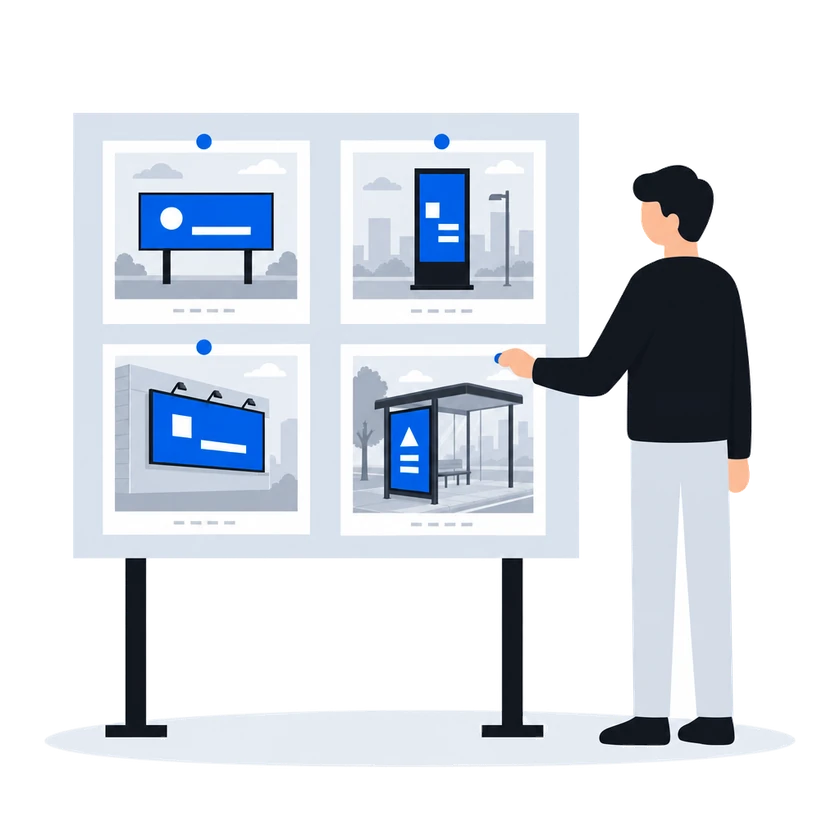
Photos of each face sit beside the creative it should carry, and the advertiser opens them from one link. Printing and installation sell in the same deal as the space. The free boards export from the saturation view as a presentation, and lease and permit dates can sit on each structure, in fields your administrator adds, where a process can watch them.
A poster estate is a property portfolio with advertising on it. A sales CRM has no record of the face, the poster that went up on it or the lease under the structure. So the photographs travel in folders and chat messages, the deck of free boards is rebuilt in PowerPoint, and the lease dates sit in a calendar nobody owns.
01/04Proof of posting, face by face, on one link
“The client has to see the full photo report of the campaign, and our photos sit inside the deal, where only our own staff can open them.”
Proof of posting the advertiser opens alone
Each face in the deal keeps its own photos, beside the creative it should carry, so a wrong poster shows at a glance. The advertiser opens every photo of the campaign from one link, with no account and no prices, until you switch the link off.
How it works, from the documentation
Photo reports live on the deal’s photo-reports tab. The tab shows one row for each display and face that appears in the deal’s proposals. Each row lists the creatives already assigned to that display, so you can compare the uploaded photos against what was supposed to be posted.
The photo-reports tab shows the assigned creative and the uploaded photo-report images side by side. This layout lets the person reviewing the report confirm at a glance whether the posted advertisement matches the approved creative.
A deal’s photo reports can be shared through a public link so the customer can review proof-of-posting images without logging in. The link is toggled on or off from the deal’s photo-reports tab.
Scope. All photo reports for one deal. The link covers every display in the deal’s proposals.
Lifetime. The link stays active until it is toggled off.
Data shown. Uploaded photo-report images and the creatives assigned to each display, for visual comparison, without prices or deal financials.
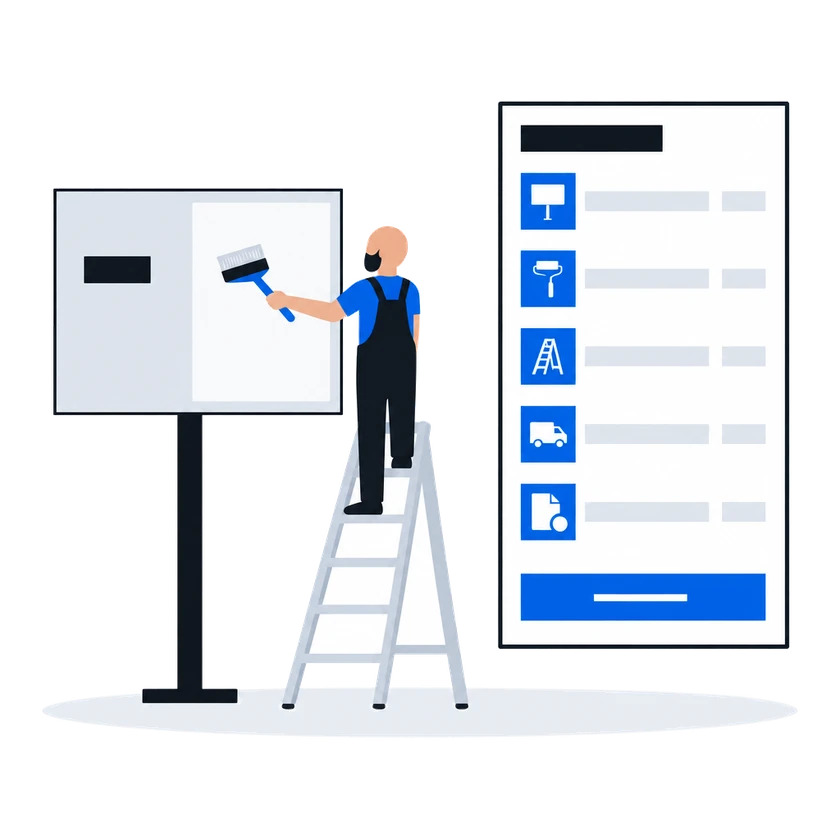
02“Printing, installation, removal, production, permits — we sell those too, and they belong on the same proposal as the space.”→Printing and installation, sold with the space
“Printing, installation, removal, production, permits — we sell those too, and they belong on the same proposal as the space.”
Your administrator can define a proposal type for printing, installation or any other service you charge for, priced item by item from your own catalog. It sits in the same deal as the space, and a service sold on a face does not count toward that face's saturation, so the face stays free to sell.
How it works, from the documentation
Beyond the two built-in proposal types (digital and printed), an administrator can define custom proposal types for selling services, production work, or any other revenue that does not fit the standard models. These custom types use directory-style pricing — manually entered prices for catalog items — but can sell against the same digital or printed inventory that the built-in types use.
Every proposal belongs to exactly one deal and to exactly one proposal type. A deal can hold at most one proposal per proposal type; the organization may also set an overall cap on the number of proposals per deal.
Only proposals that use the digital or printed pricing model count toward availability and saturation. Because every custom proposal type uses the directory pricing model, proposals of a custom type are never counted toward availability or saturation — regardless of which inventory they sell against.
03Sales managerAd operations“The planner finds the free boards in the system, then rebuilds the same list slide by slide in PowerPoint so the client can actually see them.”→Export the free boards as a presentation
“The planner finds the free boards in the system, then rebuilds the same list slide by slide in PowerPoint so the client can actually see them.”
What happens todayA deck takes hours, the availability behind it has moved by the time it is finished, and the media owner's house style is re-applied by hand every time.
Filter the saturation view down to what is free and export it as a presentation in the template set up for your organization. The slides come from the view itself, so the deck shows what was free when you exported it.
How it works, from the documentation
Saturation state — free or saturated. Use this to show only displays that have available capacity, or only displays that are fully occupied.
The saturation view can be exported as a presentation file when the saturation-state filter is set to Free. The presentation export button appears only when this filter is active, because the presentation is designed to showcase available inventory.
The presentation uses a template configured for the organization and display type. It may include display photos pulled from CityScreen Play for digital displays.
04Owner / GMAd operations“Every structure stands on ground we lease, and the date that lease runs out is in the system with nothing watching it.”→Lease dates a process can watch
“Every structure stands on ground we lease, and the date that lease runs out is in the system with nothing watching it.”
What happens todayThe media owner learns a site permit has lapsed only once it has become a problem.
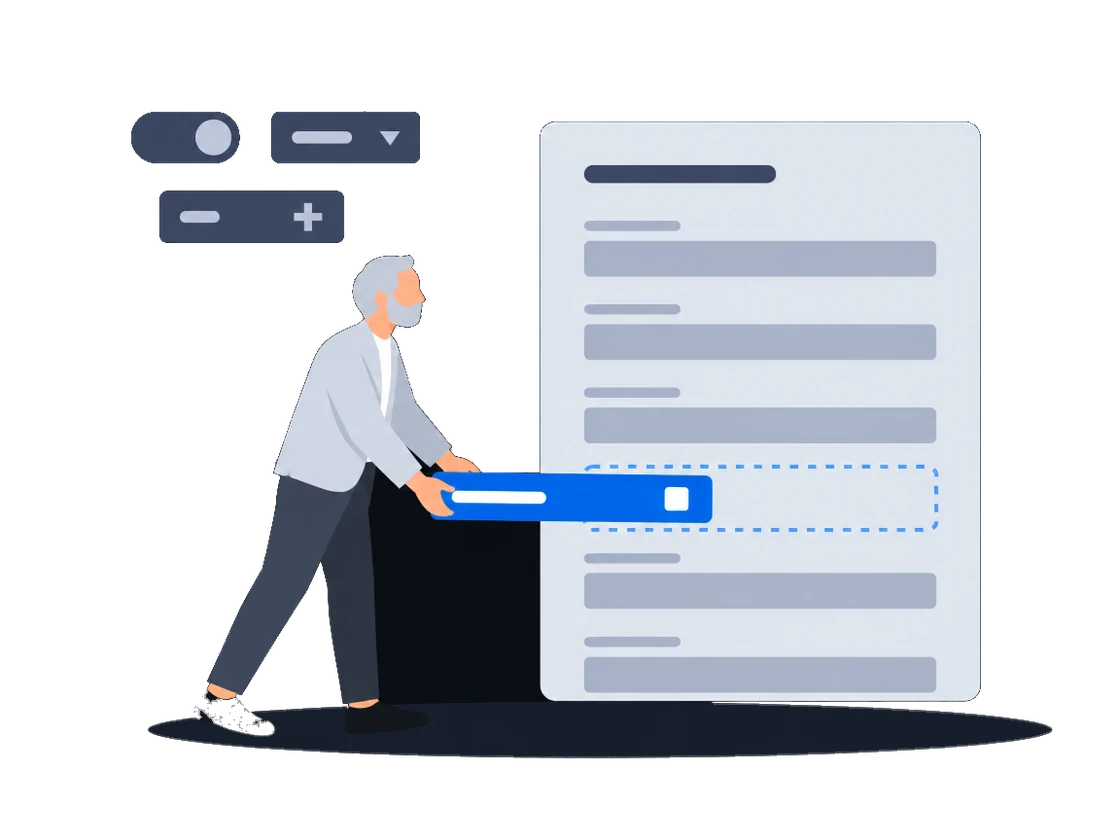
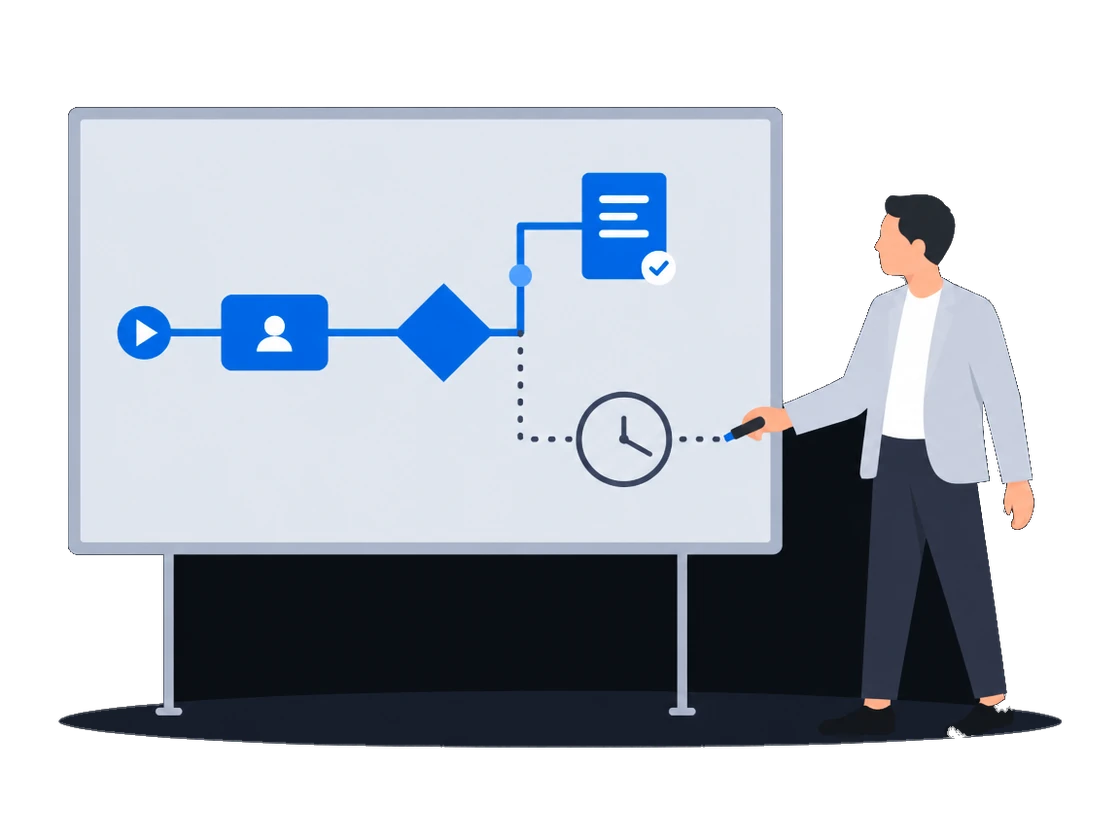
Lease and permit end dates can sit on each structure, in fields your administrator adds. Your administrator then draws a process that runs on a timer and, before a date passes, sends a reminder or puts a task in front of the estate manager. The watch starts once your administrator has drawn and published that process.
How it works, from the documentation
An administrator can add fields to the printed display entity type through the entity system. Custom fields appear alongside the built-in ones on the display detail page and in the list view.
The engine is a full BPMN 2.0 runtime. The entire standard BPMN palette is available in the diagram editor — gateways, timer events, signal events, sub-processes, boundary events, and more.
A service task is a step in a business process that the engine executes automatically, without human intervention. CityScreen Deals provides a catalog of built-in services that a service task can call — creating records, updating entities, sending emails, and more.
A user task is a step in a business process that requires human action. When the engine reaches a user task, it creates a task record and waits until an employee completes it.
Load your structures from a spreadsheet, and check the file first, because a load cannot be undone
CityScreen Deals can import records in bulk from spreadsheet files. Three record types support import:
Counterparties (customers)
Digital displays
Printed displays
An import saves its rows in small portions as it runs and cannot be rolled back. If the import fails partway through, the rows already saved remain in the system. Review your data carefully before importing.
Ask CityScreen staff to switch on process automation before you draw the lease watch
The process automation module must be enabled for the organization by CityScreen staff before it becomes visible. Once enabled, the Business Processes and Tasks sections appear in the main navigation.
Big Tree, Malaysia's biggest digital out-of-home operator, plays video ads on its screens for more than 16 hours a day with CS Play and media players from CityScreen. It also uses CS Deals and CS Context.
Sales runs on Excel and emailSelling out of spreadsheets
Proposals priced from your own price lists and sent in your own layout without creating a deal first, sites picked by the places around them, sites shown on a map without prices, and a discount limit enforced on save.
Several teams sharing one customer baseAccess set by team
Regional teams, an agency desk and finance in one system: deals open to the teams they are shared with, fields hidden from a group, a list of who may start each process, and a deal history whoever takes it over can read.
Statutory e-invoicing in Malaysia, a CODA ledgerPaperwork the tax authority validates
Malaysian e-invoices sent through ClearTax with the QR code attached to the invoice, a contract pack filled from the deal, and approved invoices posted to the ledger.
Selling to clients with security questionnairesPassing a security review
Two-step verification you can require, a password policy, blocking of repeated failed sign-ins and an exportable sign-in log, a leaver cut off in one action, and a service account for each of your own systems.
Documents and approvals that are yoursOur own paperwork and rules
Your administrator defines the documents you keep, their fields and calculations, and changes them as the business needs; each comes out in a layout you author, and the record types and fields you checked on a test organization reach production in one file.
Already running a playout platformSales and playout in step
One sync turns a booked deal into a live CS Play campaign, a changed flight or price on a proposal already sent to CS Play is flagged for another sync, and the screen list arrives from CS Play every hour.
Repeatable procedures, few handsThe desk that runs itself
Processes drawn in the product create and send the documents, each with its own list of who may start it; a failed step is marked on the diagram, and a new version leaves running work alone.
Screens and rotating faces sold in partsLoops and rotations
Count plays in a digital loop and positions on a scroller or tri-vision where you sell them, keep a campaign with several flights in one proposal, and keep quoted prices when the price list changes.