
CS Deals · Scenario
Closing the month on the system

Malaysian e-invoices validated by the tax authority, from the system that raised them

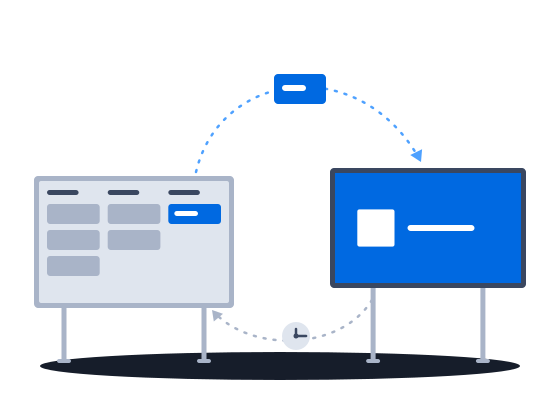
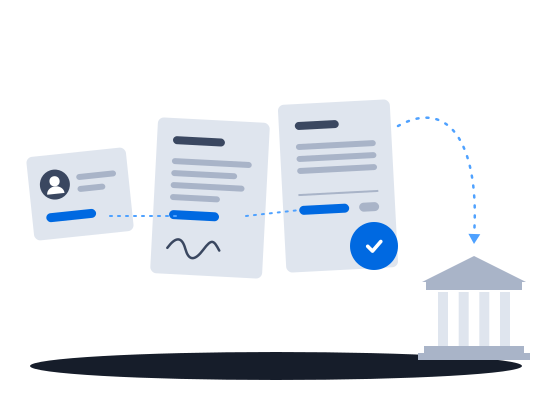
In Malaysia, CS Deals sends the invoice to the tax authority through ClearTax and attaches the government QR code to it once it is validated. The contract and the invoice can fill from the deal and the counterparty’s record, and an approved invoice can post straight to a CODA ledger.

Request a demo CS Deals documentation

The context

Where e-invoicing is the law, an invoice counts only once the tax authority has validated it. A sales CRM stops at the deal, so the contract is retyped from the client card, the invoice is keyed again into the e-invoicing portal and once more into the ledger, and the validation QR code is saved in a folder, apart from the invoice it belongs to.

01/03E-invoices validated from the system that raised them

“Our invoices reach the tax authority in the format that authority demands, out of the system that raised them.”

E-invoices go to the tax authority from the invoice itself

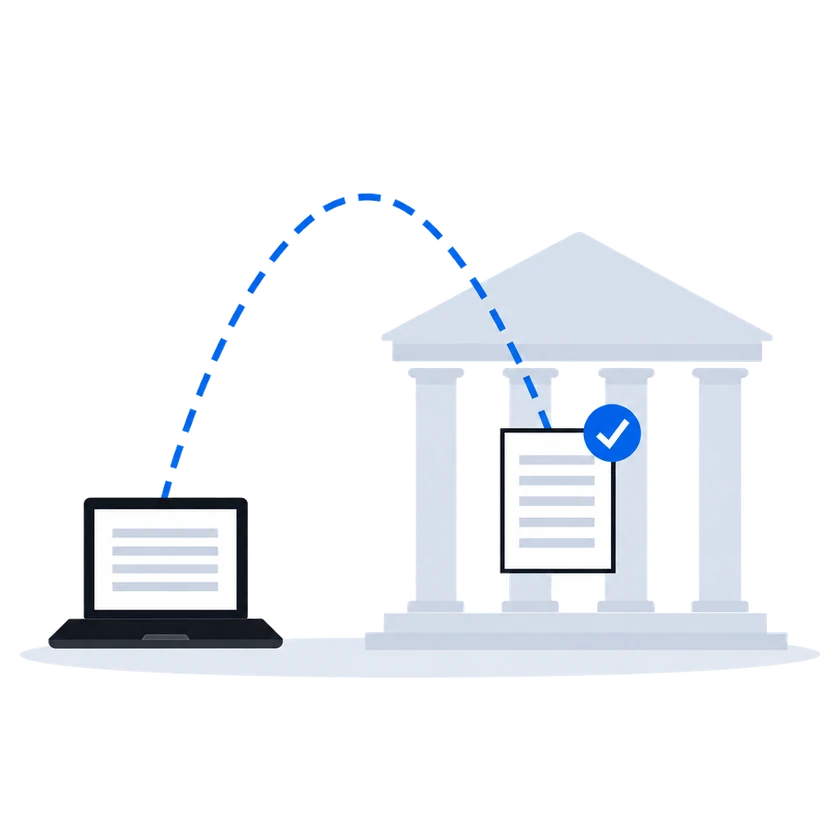
CS Deals sends the invoice to Malaysia's tax authority through ClearTax, by hand or as a step in your process. Once the invoice is validated, the government QR code is attached to it. Check that the line items add up to the total before you send, because the tax authority rejects an invoice where they do not.

How it works, from the documentation

CityScreen Deals submits invoices for e-invoicing validation through ClearTax, which relays them to Malaysia’s LHDN tax authority via the MyInvois platform.

Business processes can also trigger submission automatically as part of a workflow — in that case, no manual action is needed.

When the provider returns a VALID status, Deals downloads the government QR code image, stores it as a file attachment on the document, and records the validation timestamp, UUID, and long ID.

An invoice can fail ClearTax/LHDN validation because its internal line-item totals do not reconcile with the overall sum. The provider rejects the submission and returns a validation error.

Statutory e-invoicing

0203

02Sales managerFinanceAdministrator “Every closed deal produces the same 3 documents, and each one is opened blank and filled from the same sources by hand.” Each document can fill from the deal and the counterparty's record

“Every closed deal produces the same 3 documents, and each one is opened blank and filled from the same sources by hand.”

What happens todayBy the third document the numbers no longer agree with the first.

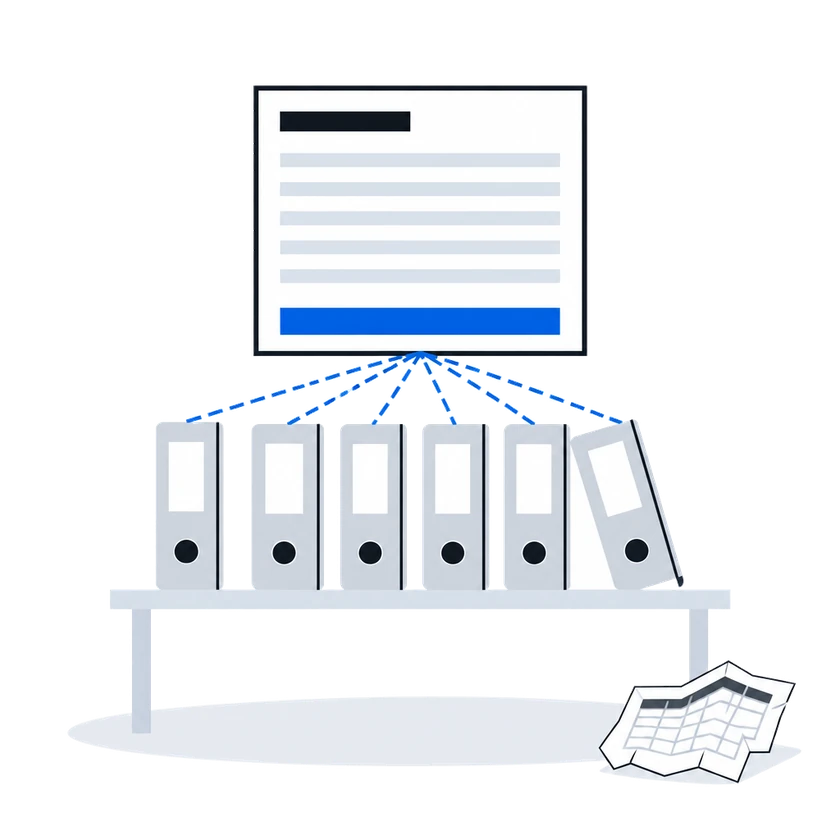
Each document is a record linked to its deal and its counterparty, and a step in your process can create it from the deal. Your administrator can set a document up so that picking the counterparty fills in its details, and export fills your template from the record. Each detail is then entered once and read by every document set up this way.

How it works, from the documentation

In the Documents section you can:

  • browse documents by type, with filters over each type’s custom fields,
  • create documents and fill their fields,
  • link documents to counterparties, deals, and directory values,
  • attach files,
  • export the filtered list to XLSX (runs in the background).
Documents

A service task is a step in a business process that the engine executes automatically, without human intervention. CityScreen Deals provides a catalog of built-in services that a service task can call — creating records, updating entities, sending emails, and more.

Automated actions

When a user selects a value in a link field, the system immediately re-evaluates all dot-path expression fields on the same record that depend on the selected link. Dependent fields update as soon as the link value is chosen.

This mechanism is called auto-fill. It lets an administrator set up a record type so that selecting one reference (for example, a site) automatically populates several other fields (for example, division, company, sub-concession) without the user entering each value manually.

Auto-fill from a linked record

Exporting means rendering a record’s data through one of its templates and downloading the result. The output is a ready-to-use file — a contract, an invoice, a media plan, a pitch deck — with every placeholder filled from the record’s fields.

Document templates
03 “The invoice we approve is the one that lands in the ledger, and nobody types it in again.” A CODA ledger written from the invoice you approved

“The invoice we approve is the one that lands in the ledger, and nobody types it in again.”

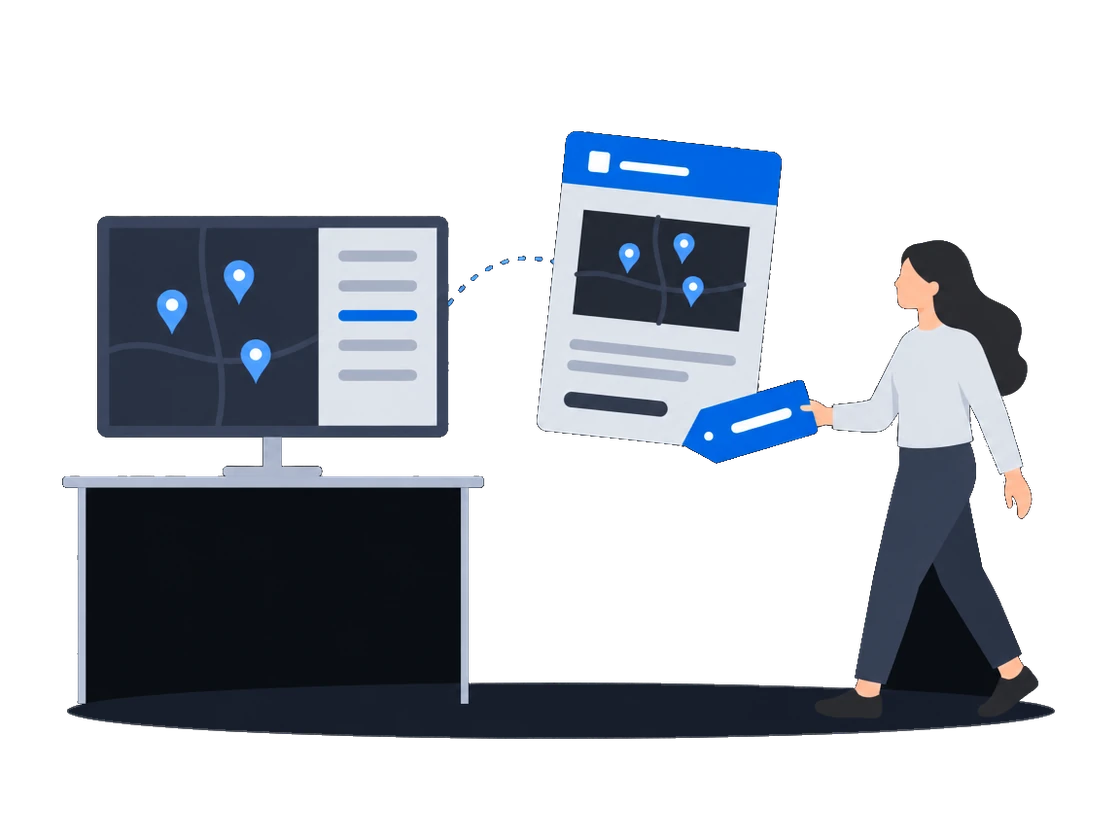
If your ledger runs on CODA, an invoice your process approves is posted there, built from that same invoice, so nobody types it in again. CODA's acceptance or rejection comes back as a status on the invoice, and a failed post shows on the process with the error CODA returned.

How it works, from the documentation

CityScreen Deals can post approved invoices into Unit4 CODA Financials as accounting transactions, so that the ledger is written from the same invoice the sales side approved.

The trigger is the approval itself: an invoice goes to CODA when the process approves it. If an invoice needs to go again, it goes through the same approval path.

The exchange is one-way and outbound: invoices go to CODA, and CODA’s acceptance or rejection comes back as a status on the invoice.

A failed push surfaces as an incident on the business process instance that ran it, carrying the error CODA returned.

To send the invoice again, retry the process instance.

Accounting push to Unit4 CODA

Before you start

What the setup asks of you

What you doWhy, from the documentation

  • Ask CityScreen to switch on the ClearTax integration for your organization

    This integration is tenant-specific. It may not appear in your interface if it is not enabled for your organization.

    Statutory e-invoicing
  • Have your administrator set up the invoice as a document type with line items and your own tax fields, and compute tax with expressions or outside the system

    Invoice line items are implemented through the platform’s nested entity mechanism — a repeatable sub-record attached to the parent document type. The administrator defines a nested entity type (for example, “invoice item”) with whatever fields each line needs (description, quantity, unit price, amount, and so on) and links it to the invoice document type.

    Tax and VAT amounts are custom fields defined by the administrator. They are computed with expressions configured in the entity type system or filled in from outside CityScreen Deals.

    Invoicing
  • Give whoever sends invoices the right to change organization settings, which sending requires

    Configuring the ClearTax integration, sending documents, and checking status all require the Organization settings permission with update access. This is the same permission that governs other organization-level settings.

    Statutory e-invoicing
  • Set up the CODA connection with CityScreen and your CODA administrator, and fill the directories of analysis codes first

    CityScreen sets up this configuration together with whoever administers your CODA installation.

    The push reads CODA’s coding structure from directories in CityScreen Deals. Before the first invoice can be posted, the organization needs:

    • a document type that represents the CODA-bound invoice;
    • directories holding the CODA analysis levels, line types and invoice statuses.
    Accounting push to Unit4 CODA
CS Deals · Features in this scenario7

Document templates & generation

Process automation

Customization & no-code configuration

Other scenarios

CS Deals, tuned to your network.

Sales runs on Excel and email Selling out of spreadsheets

Proposals priced from your own price lists and sent in your own layout without creating a deal first, sites picked by the places around them, sites shown on a map without prices, and a discount limit enforced on save.

Explore
Several teams sharing one customer base Access set by team

Regional teams, an agency desk and finance in one system: deals open to the teams they are shared with, fields hidden from a group, a list of who may start each process, and a deal history whoever takes it over can read.

Explore
Selling to clients with security questionnaires Passing a security review

Two-step verification you can require, a password policy, blocking of repeated failed sign-ins and an exportable sign-in log, a leaver cut off in one action, and a service account for each of your own systems.

Explore
Documents and approvals that are yours Our own paperwork and rules

Your administrator defines the documents you keep, their fields and calculations, and changes them as the business needs; each comes out in a layout you author, and the record types and fields you checked on a test organization reach production in one file.

Explore
Already running a playout platform Sales and playout in step

One sync turns a booked deal into a live CS Play campaign, a changed flight or price on a proposal already sent to CS Play is flagged for another sync, and the screen list arrives from CS Play every hour.

Explore
Repeatable procedures, few hands The desk that runs itself

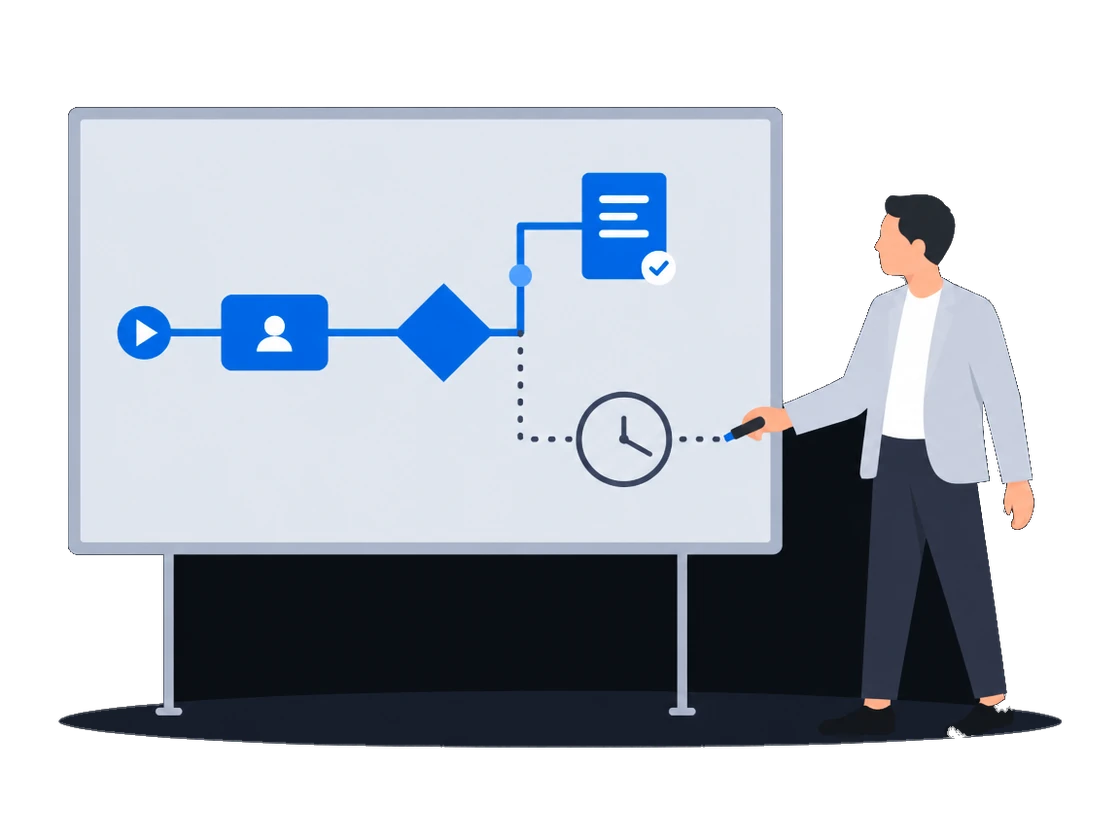
Processes drawn in the product create and send the documents, each with its own list of who may start it; a failed step is marked on the diagram, and a new version leaves running work alone.

Explore
Static faces, routes, printed campaigns Billboards and poster sites

Proof of posting for every face on one link for the advertiser, printing and installation sold in the same deal as the space, the free boards exported as a presentation, and lease dates a process can watch.

Explore
Screens and rotating faces sold in parts Loops and rotations

Count plays in a digital loop and positions on a scroller or tri-vision where you sell them, keep a campaign with several flights in one proposal, and keep quoted prices when the price list changes.

Explore

CS Deals overview

Run your sales on CS Deals.