


CS Deals · Scenario
Selling shared sites in parts

Loops and rotations, counted where you sell them

Plays in a digital loop and positions on a scroller or tri-vision are counted where you price and book them. A campaign with several flights, each with its own screens, dates and creative, stays one proposal, and the price you quoted holds when the price list changes.

Request a demo CS Deals documentation

The context

A shared site is sold in parts: plays in a digital loop, positions in a scroller’s or tri-vision’s rotation. A CRM that counts whole faces cannot hold those parts, so the count moves to a spreadsheet beside it, or replaces the CRM altogether. The spreadsheet is where a part gets sold twice.

01/05Each loop and rotation counted where you sell it

“Our CRM knows a screen or a scroller as one face. What is really sold in each loop and each rotation, we keep in a spreadsheet next to it.”

Head of salesSales managerAd operations

Count every part where you sell it

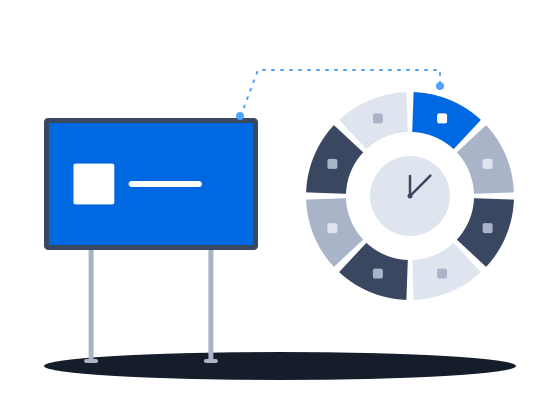
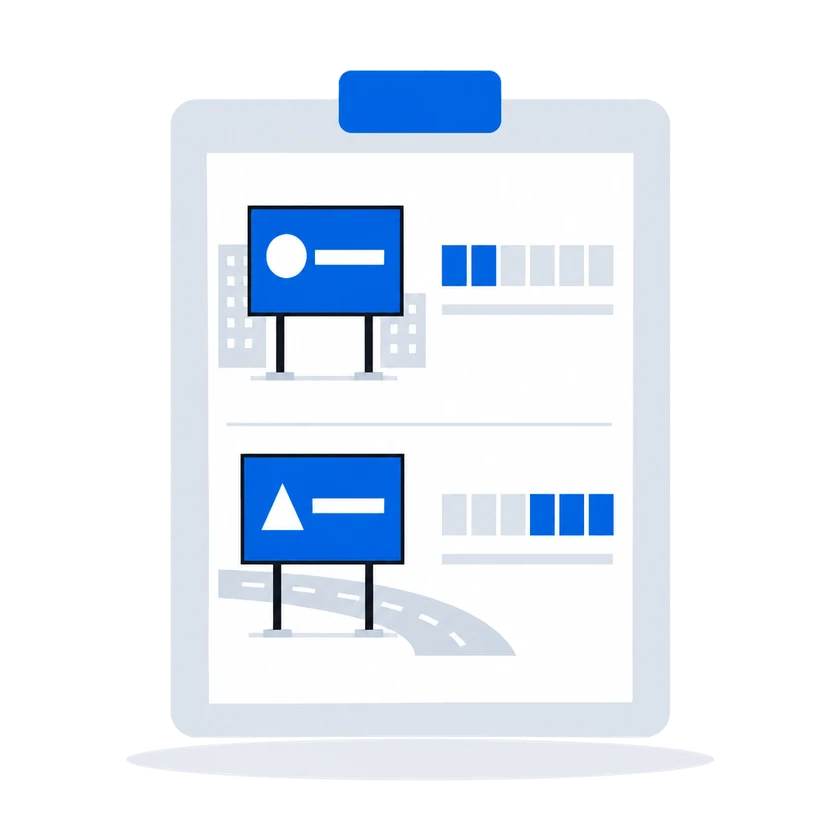
Each site is sold in its own parts: plays in a digital loop, positions in a scroller's or tri-vision's rotation. CS Deals counts those parts per site and period and shows how much is already sold. Only a booking holds a part, and the system refuses a booking that would sell it twice. A reservation shows in the saturation view and leaves the part open to other deals.

How it works, from the documentation

Digital proposals price advertising by playback frequency, spot duration, and the ad-block structure of each display.

Digital airtime pricing

Fields specific to printed displays:

Number of ads. The number of advertising positions available on the display. For a display with mechanism type Static, this is typically the number of faces (a two-sided billboard has 2 positions). For a display with mechanism type Rotary (a scrolling panel or a tri-vision unit), this is the number of positions in the rotation cycle.

Each position is independently bookable.

Printed surfaces and faces

The saturation view shows one row per display. Each row contains a horizontal bar that spans the selected date range, color-coded to show the proportion of capacity that is free, reserved, and booked.

CityScreen Deals refuses overbooking at three points: the inventory picker hides fully booked displays, saving a proposal re-checks every display in every period, and moving a deal to Reserved or Booked checks them once more. The last two reject outright, and no permission overrides that rejection.

Only Booked capacity counts. A display held by a Reserved proposal is offered as free to everyone else. The saturation timeline draws the reservation; the availability checks do not read it.

Availability and saturation

0205

02Sales managerAd operations “With this much inventory, finding what is free now costs a lot of time.” Narrow the inventory before you read it

“With this much inventory, finding what is free now costs a lot of time.”

What happens todayOn a large estate the saturation view is too much to read, so the planner works from memory.

Filter the saturation view to the screens that still have room, and read only those.

How it works, from the documentation

Saturation state — free or saturated. Use this to show only displays that have available capacity, or only displays that are fully occupied.

Availability and saturation
03 “2 weeks in the city center in March, 3 more on the ring road in May, a different creative in each, all in one proposal.” Several flights in one proposal

“2 weeks in the city center in March, 3 more on the ring road in May, a different creative in each, all in one proposal.”

Each flight is its own period in the same proposal, with its own screens and prices. Each creative carries its own dates, so every flight can run a different one.

How it works, from the documentation

A proposal is divided into one or more placement periods. Each period defines a date range and carries its own inventory selection and prices.

Periods within a single proposal must not overlap on the same inventory item — the same display cannot appear in two periods whose date ranges intersect. Different items in overlapping periods are allowed.

Multi-flight campaigns

A creative is a collection of media files (images or videos) attached to a deal and bound to specific displays from the deal’s proposals. Creatives define what content plays on which screens and when.

To create a creative, provide:

  • A name.
  • A period (start and end date) — this is independent of the proposal’s placement periods.
Creatives
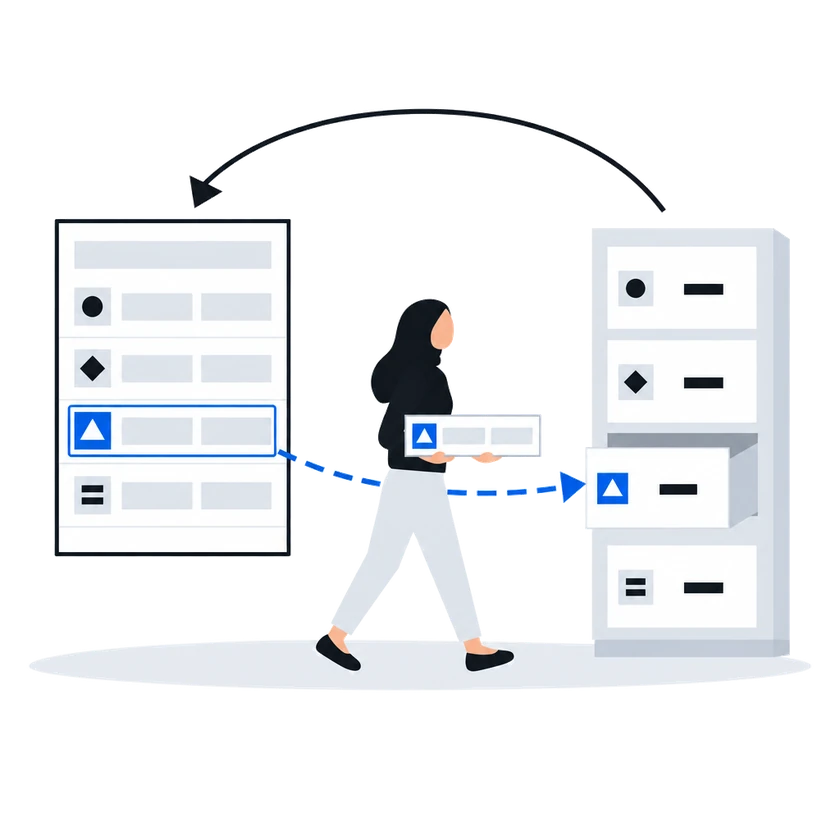
04Head of salesSales managerFinance “We published a new price list and every open proposal in the pipeline changed price underneath the people who negotiated them.” Proposals keep the prices your team quoted

“We published a new price list and every open proposal in the pipeline changed price underneath the people who negotiated them.”

What happens todayWhat a customer was quoted last week is not what the system says today, and nobody was told.

Saving a proposal keeps the prices your team saw and agreed, even after the price list behind them has changed. The new prices apply to what you price next.

How it works, from the documentation

The system does not recompute the price from the price list when the proposal is saved. The values the user sees and edits are what get persisted.

Digital airtime pricing
05Ad operationsAdministratorIT / integrations “When the sync does not run, there is no information at all about what is wrong or why.” See whether the last sync worked

“When the sync does not run, there is no information at all about what is wrong or why.”

What happens todayYou find out because a screen you expected to sell is not in the list.

The sync settings show when the last run happened, whether it succeeded and how many screens it brought in. If something looks wrong, start a run yourself at once.

How it works, from the documentation

Each run writes a log entry visible under Settings → Sync → Synchronization logs. The log shows the start and end time, whether the run succeeded, and the count of displays created and updated. Only the most recent run is retained.

To pull the display list immediately, click Synchronize on the CMS integration section in Settings → Sync. This triggers an immediate pull. If another sync is already in progress, it is canceled first.

Screen catalog from CS Play

Before you start

What the setup asks of you

What you doWhy, from the documentation

  • Bring your screens in from CS Play, or enter them yourself

    Digital display records are pulled from CityScreen Play into the Deals inventory on an hourly schedule. This keeps the display list current so that proposals are built against real screens.

    Screen catalog from CS Play

    Working with digital displays:

    Creating a digital display. If CS Play sync is not enabled, create a digital display from the inventory list. Fill in the shared fields (name, address, coordinates, dimensions) and the digital-specific fields (resolution, operating schedule).

    Digital screens
  • Set each screen's on-air hours

    The operating schedule controls what hours are available for booking. Proposals can only occupy slots within the operating hours.

    Digital screens
  • Keep a price row for every play frequency and spot length you sell

    When you add a display to a digital proposal and set the frequency and duration, the system looks up a matching price in the display’s price list.

    The lookup requires an exact match on three values:

    • frequency count,
    • frequency period,
    • spot duration.

    If the exact combination is not present as a price row in the price list, the display gets no price — the cost shows as empty. There is no interpolation, rounding, or nearest-match fallback.

    Digital airtime pricing
  • Connect CS Context, so programmatic buyers get only what your team has not reserved or booked

    CityScreen Deals pushes three data feeds to CityScreen Context so that what is reserved or booked in Deals stops being available for programmatic sale.

    CS Context feed
CS Deals · Features in this scenario8

Other scenarios

CS Deals, tuned to your network.

Sales runs on Excel and email Selling out of spreadsheets

Proposals priced from your own price lists and sent in your own layout without creating a deal first, sites picked by the places around them, sites shown on a map without prices, and a discount limit enforced on save.

Explore
Several teams sharing one customer base Access set by team

Regional teams, an agency desk and finance in one system: deals open to the teams they are shared with, fields hidden from a group, a list of who may start each process, and a deal history whoever takes it over can read.

Explore
Statutory e-invoicing in Malaysia, a CODA ledger Paperwork the tax authority validates

Malaysian e-invoices sent through ClearTax with the QR code attached to the invoice, a contract pack filled from the deal, and approved invoices posted to the ledger.

Explore
Selling to clients with security questionnaires Passing a security review

Two-step verification you can require, a password policy, blocking of repeated failed sign-ins and an exportable sign-in log, a leaver cut off in one action, and a service account for each of your own systems.

Explore
Documents and approvals that are yours Our own paperwork and rules

Your administrator defines the documents you keep, their fields and calculations, and changes them as the business needs; each comes out in a layout you author, and the record types and fields you checked on a test organization reach production in one file.

Explore
Already running a playout platform Sales and playout in step

One sync turns a booked deal into a live CS Play campaign, a changed flight or price on a proposal already sent to CS Play is flagged for another sync, and the screen list arrives from CS Play every hour.

Explore
Repeatable procedures, few hands The desk that runs itself

Processes drawn in the product create and send the documents, each with its own list of who may start it; a failed step is marked on the diagram, and a new version leaves running work alone.

Explore
Static faces, routes, printed campaigns Billboards and poster sites

Proof of posting for every face on one link for the advertiser, printing and installation sold in the same deal as the space, the free boards exported as a presentation, and lease dates a process can watch.

Explore

CS Deals overview

Run your sales on CS Deals.