Proposals priced from your own price lists and sent in your own layout without creating a deal first, sites picked by the places around them, sites shown on a map without prices, and a discount limit enforced on save.
ExploreDraw the process once: it creates and sends the documents, and shows you the step that broke
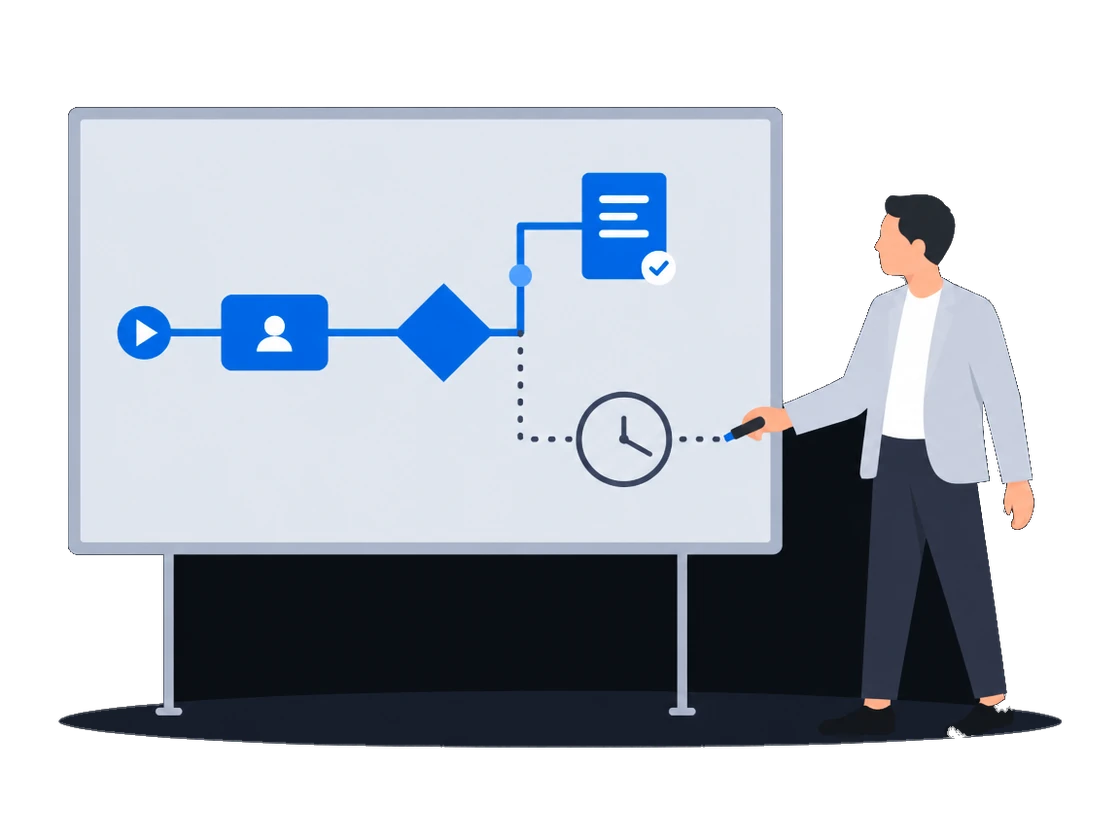
A process you draw starts when a deal or a document changes, creates and emails the documents, and leaves people only the decisions. A failed step is marked on the diagram, and each process has its own list of who may start it.
The context
For a media owner run by a few people, automation is worth having only if it follows the way the business already works. A tool bolted on beside the sales system cannot see the deals and documents it is meant to move, it fails where nobody is looking, and a change to it lands on the deals already halfway through.
01/05Routine documents come from a process you draw
“When a deal reaches the point where the documents are due, they are created and sent without anyone having to remember.”
The process creates the documents and sends them
A process you draw in the product can start by itself when a deal is created or a document changes. Its steps create records such as documents, render documents from your templates and email them, and stop at a task wherever a person has to decide.
How it works, from the documentation
A process instance can be started manually or automatically. Manual start is triggered by an employee from the Tasks page. Automatic start is triggered by an entity lifecycle event — for example, when a deal is created or a document is updated.
Process triggers and launch rightsA service task is a step in a business process that the engine executes automatically, without human intervention. CityScreen Deals provides a catalog of built-in services that a service task can call — creating records, updating entities, sending emails, and more.
Automated actionsThe Email Documents action is separate from the entity services. It renders one or more documents from their templates and sends the result by email.
Documents that send themselvesA user task is a step in a business process that requires human action. When the engine reaches a user task, it creates a task record and waits until an employee completes it.
Human tasks and forms0205
02AdministratorIT / integrations “We design our own processes, but when one breaks mid-flight we cannot see where or why.” →The failed step is marked on the diagram
“We design our own processes, but when one breaks mid-flight we cannot see where or why.”
What happens todayA deal stops moving, nobody can say why, and finding the cause takes a support request.
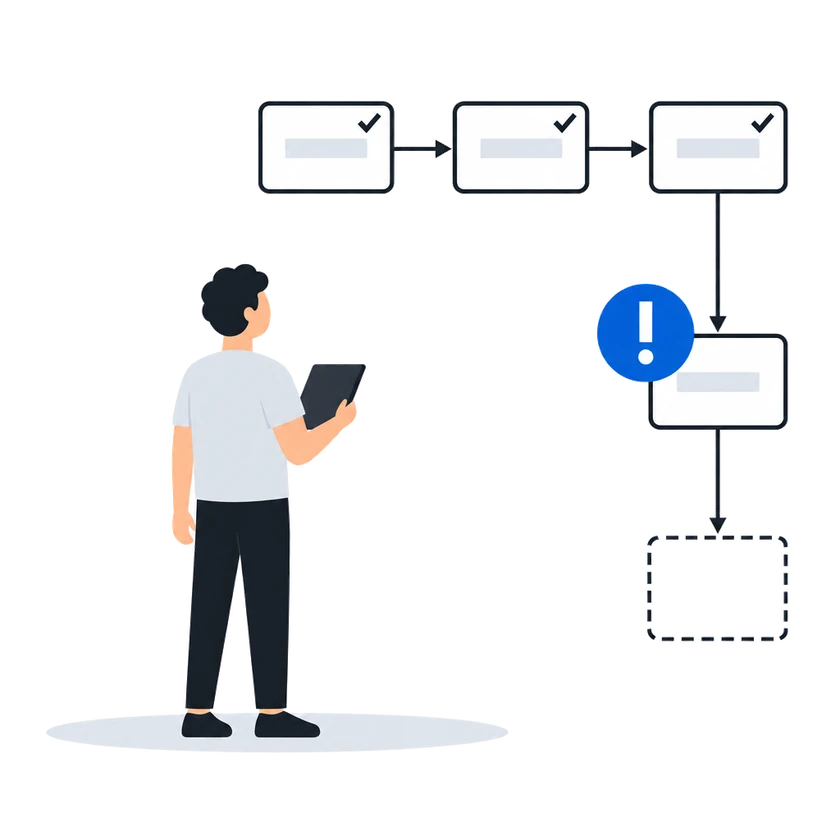
When a step fails, an incident is recorded on that process with the error message, and a red badge marks the step on the execution's diagram. To continue, fix the diagram, publish a new version and move the stuck execution onto it, or delete the execution.
How it works, from the documentation
Each incident shows the error type, the error message, the affected process and instance, and the time the incident occurred.
Opening an instance shows the process diagram in read-only mode. The diagram highlights the current active task — the step the instance is waiting on.
If any step has an incident, a red badge appears on that element with the incident count. Click the badge to see the incident details.
An incident records the failure. To continue a stuck instance, migrate it to a corrected version or delete it, as described below.
When an instance is stuck due to an incident, you can:
- Migrate the instance to a corrected process version. If the failure was caused by a problem in the process diagram (for example, a misconfigured service task or a script error), fix the diagram, publish a new version, and migrate the stuck instance to the corrected version. See migrating running instances.
- Delete the instance. If the instance cannot be recovered, delete it. Deleting an instance removes it and its history permanently.
03 “We can automate even the finance steps where a wrong start would send out an invoice.” →Automate the consequential parts
“We can automate even the finance steps where a wrong start would send out an invoice.”
Each process carries its own list of the roles allowed to start it, so only the roles on that list can start by hand a process that creates invoices and other financial documents. A role that can see a process but is not on that list cannot start it.
How it works, from the documentation
Launch permissions are controlled per process through the Roles & Access tab on the process detail page.
Each employee role can be granted or denied the right to launch a specific process. An employee can launch a process only if at least one of their roles has been granted launch access to that process.
Launch access is independent of the read, update, and delete permissions on the process record itself. An employee who can view a process definition cannot necessarily launch it.
Process triggers and launch rights04 “We can change how a process works without breaking the deals already halfway through it.” →A new version leaves running work alone
“We can change how a process works without breaking the deals already halfway through it.”
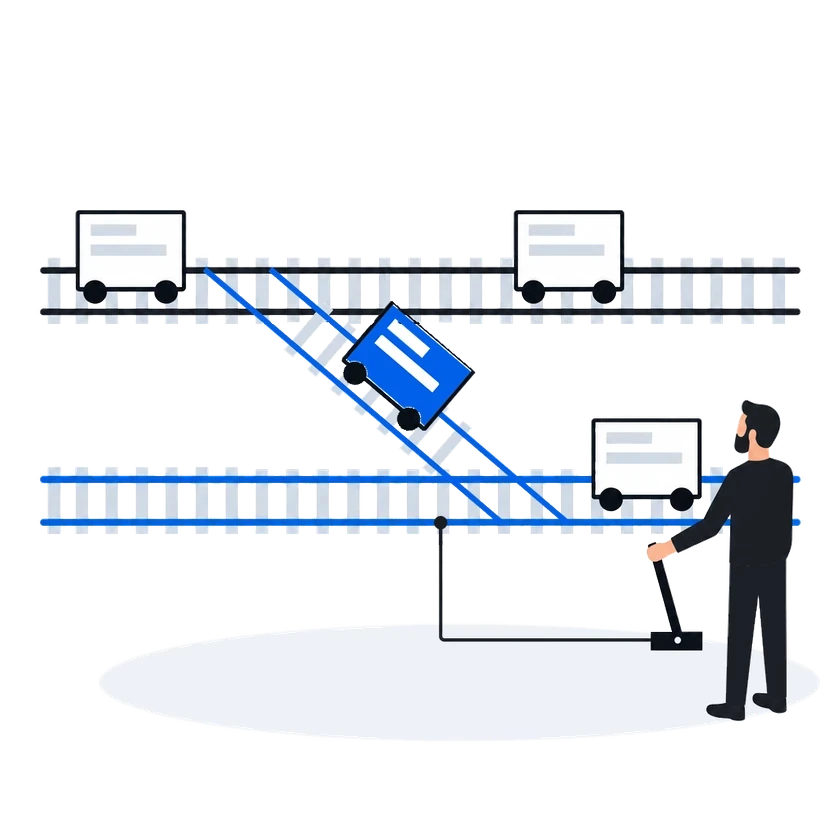
Editing a process changes only a draft until you publish it, and executions already under way finish on the version they started on. Every published version stays in the history, and you can download its diagram to compare changes or go back to an older design.
How it works, from the documentation
A business process goes through a draft-publish cycle. Editing a diagram changes only the draft; publishing deploys a new version to the engine. Running instances are not affected by a new version — they finish on the version they started on.
Every time a process is published, a new version appears in the version history. The history shows the version number and the deployment timestamp.
You can download the diagram file for any version in the history — useful for comparing changes or reverting to an older design.
Publishing, versions and monitoring05IT / integrationsAdministrator “To move data in from our own systems we would need a credential that belongs to a machine and keeps working when an employee leaves.” →Your systems sign in as themselves
“To move data in from our own systems we would need a credential that belongs to a machine and keeps working when an employee leaves.”
What happens todayAutomation is either postponed or built on an account that belongs to an employee, which nobody is comfortable with.
Register an OAuth application with the roles it needs. It gets its own access tokens and keeps working when the employee who set it up leaves. Deleting the application cuts it off at once.
How it works, from the documentation
An application with the client credentials grant acts as a service account with the roles assigned to it in the Roles field. It holds none of the rights of the employee who registered it, and it keeps working when that employee leaves.
Regenerate secret stops the current secret at once and shows a new one. Access tokens already issued stay valid until they expire. Delete stops every token of the application at once.
This function is licensed. If your organization’s license does not include it, contact CityScreen. The license entry is called “OAuth applications”. Without it every OAuth endpoint on this page answers 404.
Service accounts for integrationsBefore you start
What the setup asks of you
What you doWhy, from the documentation
Ask CityScreen staff to switch on process automation for your organization
The process automation module must be enabled for the organization by CityScreen staff before it becomes visible. Once enabled, the Business Processes and Tasks sections appear in the main navigation.
Business processesPut the people who decide into employee groups, so a task offered to a group reaches them
A candidate group is a group of employees who can work on the task. The task appears on the task list of every member of the selected groups.
Candidate groups resolve to employee groups. When you select candidate groups in the diagram editor, you are selecting from the organization’s employee groups. An employee sees the task on their task list if they belong to at least one of the selected groups.
Human tasks and formsHave someone who knows the expression syntax set up any step that changes a deal's stage
To change a deal’s stage from a process, use an expression on a process element. The expression is set in the generic properties panel and requires familiarity with the expression syntax.
Automated actionsChoose which executions under way to move to a new version, because they stay on the old one unless you move them
The migration runs as a background job. After it finishes, a report shows how many instances migrated successfully and how many failed.
Publishing, versions and monitoringAsk CityScreen to include OAuth applications in your license, then register one application per system with only the roles it needs
CS Deals · Features in this scenario7
Document templates & generation
Process automation
Single sign-on & API access
Other scenarios
CS Deals, tuned to your network.
Regional teams, an agency desk and finance in one system: deals open to the teams they are shared with, fields hidden from a group, a list of who may start each process, and a deal history whoever takes it over can read.
ExploreMalaysian e-invoices sent through ClearTax with the QR code attached to the invoice, a contract pack filled from the deal, and approved invoices posted to the ledger.
ExploreTwo-step verification you can require, a password policy, blocking of repeated failed sign-ins and an exportable sign-in log, a leaver cut off in one action, and a service account for each of your own systems.
ExploreYour administrator defines the documents you keep, their fields and calculations, and changes them as the business needs; each comes out in a layout you author, and the record types and fields you checked on a test organization reach production in one file.
ExploreOne sync turns a booked deal into a live CS Play campaign, a changed flight or price on a proposal already sent to CS Play is flagged for another sync, and the screen list arrives from CS Play every hour.
ExploreProof of posting for every face on one link for the advertiser, printing and installation sold in the same deal as the space, the free boards exported as a presentation, and lease dates a process can watch.
ExploreCount plays in a digital loop and positions on a scroller or tri-vision where you sell them, keep a campaign with several flights in one proposal, and keep quoted prices when the price list changes.
Explore