CS Play
CMS · Run

CS Play builds the playlists from the ads you manage.

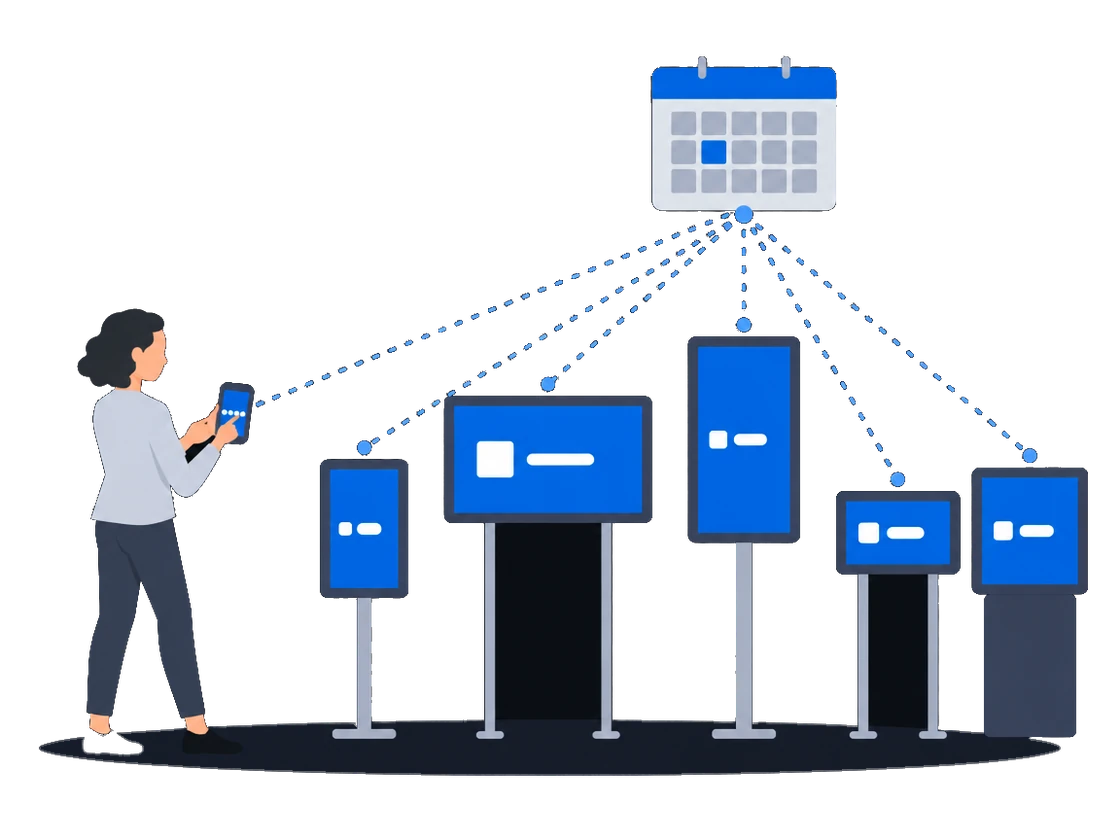
Set time, dates and frequency per campaign, generate the media plan, and the heuristic planner builds a playlist for every screen.

CS Play in brief

The CMS for your DOOH network, with a player on every screen

Your advertising team runs campaigns, ads and schedules for the whole network in CS Play, and each screen receives its media plan remotely. Every ad play is reported back, so you can show each advertiser the statistics and proof-of-play of its campaign.

Who works in it
Administrators connect players and screens, advertising managers run campaigns and schedules, and clients can get a read-only account to view statistics.
What it covers
CS Play covers player pairing, campaigns and targeting, playlists and media plans, delivery to screens, monitoring, ad play statistics and proof-of-play.
Next to other CityScreen products
Deals your sales team books in CS Deals arrive in CS Play as campaigns, and CS Context sells the airtime you leave open to programmatic buyers.

What CS Play does

02 · targeting

Reach 1,000 screens as easily as one.

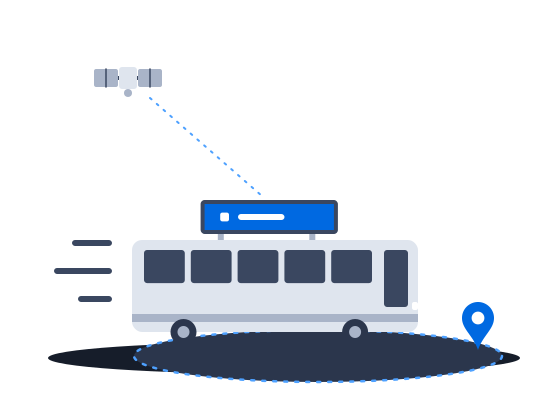
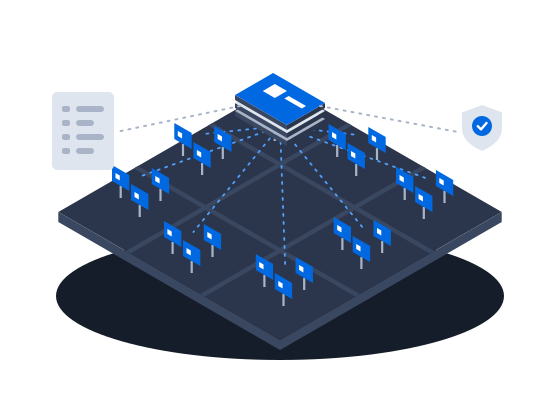
Tag screens and frames with your own criteria, and a campaign reaches every screen that matches them. Zones let one screen show an ad next to weather and a news ticker, and a geofence lets you sell a campaign that plays on vehicle screens only inside the area the advertiser chose.

04 · records and audit

You can show when each ad ran and who changed what.

The player records every ad play with its time, screen, campaign and ad, so you can answer an advertiser’s question about any play. The events audit shows who changed what and when, and user roles keep each person to the work they are allowed to do.

Scenarios

Which network do you run?

Each scenario puts these capabilities to work on one kind of network, from the first screens to transit fleets and LED facades. Open the one that looks like yours.

1–50 screens · starting out First screens

Start a DOOH network on hardware you already own: PIN pairing, one ad for every resolution, and a default schedule that new screens pick up automatically.

Explore
roadside · city formats Billboards & city formats

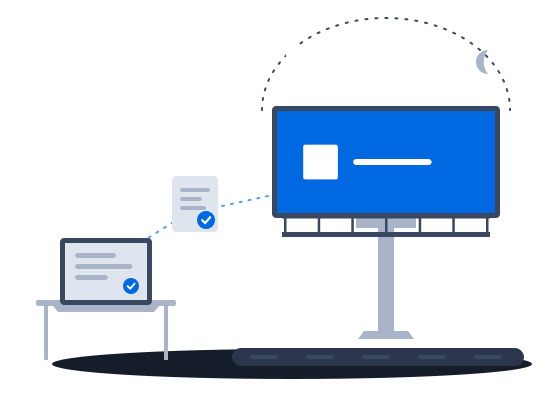
Roadside digital billboards on CS Play: scheduled brightness, competitive separation, playback forecasts that flag overbooking, and proof-of-play for remote sites.

Explore
buses · taxis · trains Transit & fleets

Content that knows where the vehicle is: geofenced playback, GPS/GLONASS-aware creatives and offline resilience for screens that move.

Explore
malls · retail · POS Indoor & venues

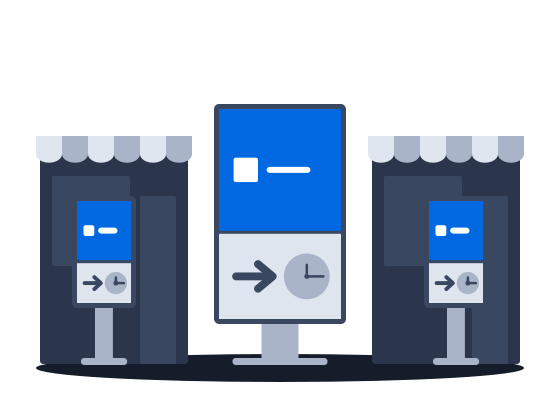
Malls, retail and venue screens on CS Play: zoned layouts, fillers, event-triggered content and mass rollout across hundreds of screens.

Explore
facades · odd geometry LED & media facades

Media facades and LED screens on CS Play: budget Android controllers as full players, separate visible and physical resolution, NovaStar brightness control.

Explore
hundreds+ · multi-city Large networks

Large networks on CS Play: silent fleet deployment, criteria targeting that reaches thousands of screens in one selection, role separation and an audit of who changed each campaign.

Explore
direct + auction · any size Programmatic-ready

Programmatic DOOH sales on CS Play: inventory passports SSPs can read, OTS from audience sensors, RTB and private deals, and unsold airtime offered to the CS Context auction.

Explore
multi-owner · one seller Sales house

Sell airtime across several owners' networks on CS Play: scoped partner access, airtime quotas per screen group, and proof-of-play and photo reports per campaign.

Explore

Prefer the raw list? Browse all 78 features

Hardware

Compatibility with your hardware is our problem to solve.

Windows

64-bit; GUI installer or silent MSI mass deployment

Ubuntu Linux

64-bit; installs from the CityScreen APT repository

Android

rooted or stock; single-core LED boxes to 8-core 4K controllers

Raspberry Pi

flashed system image for Raspberry Pi 3

One player codebase · 4 platforms

How it works

Getting started in 3 steps.

Step 1
Connect

Install the player and pair it with a 6-digit PIN.

Step 2
Configure

Create campaigns with time, dates and frequency. Tag screens with criteria.

Step 3
Go live

Generate the media plan. Players fetch files and start broadcasting.

CS Play add-ons

Modules that switch on when you need them.

Optional modules and extras extend CS Play.

CS Play CamGrabber

Photo capture at the screen for visual playback confirmation.

CS Play Trigger

Fire ads from external events (sensors, kiosks, backends) through the trigger API.

Audience sensors

Wi-Fi and Bluetooth contact metering ingested by the player.

Extra storage

Raise media limits beyond your plan's included volume.

One pipeline

Sold airtime should not wait for an operator. One click in CS Deals exports a booked deal as a CS Play campaign: it uploads the creatives, creates the ads and activates the campaign.

CS Deals

One system from request to photo report.

Learn more
CS Context

Programmatic sales you run yourself.

Learn more
CS EdgeInsights

Turn traffic into sellable impressions.

Learn more

Before procurement asks

Answers to the questions IT will raise.

Does it run on the hardware I already own?
CS Play runs on 4 platforms with documented hardware tiers, from dual-core Full HD players to 4K-capable GPUs. Android LED controllers run the player too, down to single-core boxes.
What happens when the connection drops?
HTML5 creatives play from local storage. Without a network, content updates arrive by USB, and the player keeps its proof-of-play until the connection returns.
Who controls what my team touches?
Roles from Administrator to read-only Observer separate administration, advertising work and view-only access. The events audit records user actions.
Is my screen count locked in?
Each active player uses 1 license, so growing means adding licenses on the same platform.

See your network in CS Play.