
roadside · city formats
Billboards & city formats
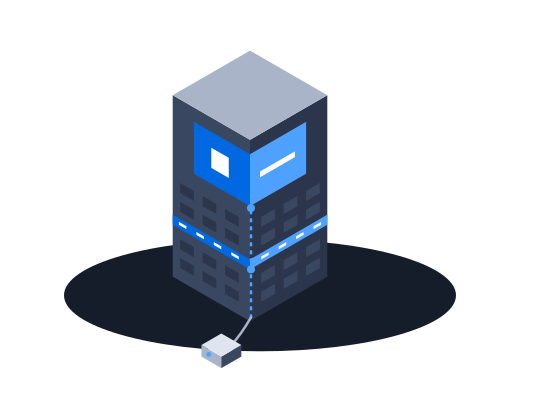
Roadside digital billboards on CS Play: scheduled brightness, competitive separation, playback forecasts that flag overbooking, and proof-of-play for remote sites.
ExploreThe slot of a filler ad is offered to the CS Context auction, and the filler plays only if no bid wins. A buyer sees each screen’s size, address and photos before bidding. Every ad play on a screen with a sensor carries its OTS.
The context
Direct sales rarely fill a whole network, and with generic tools the rest of the day plays house ads that nobody pays for. To sell that time at auction, a buyer has to find the screen, know what it is and where it stands, and see an audience figure, and a generic player has no way to hand its slot over when a bid comes in.
01/03Unsold time is offered to the auction
“Half the day my screens play my own house ads”
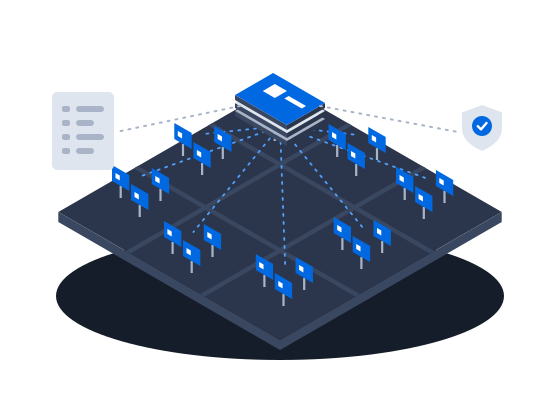
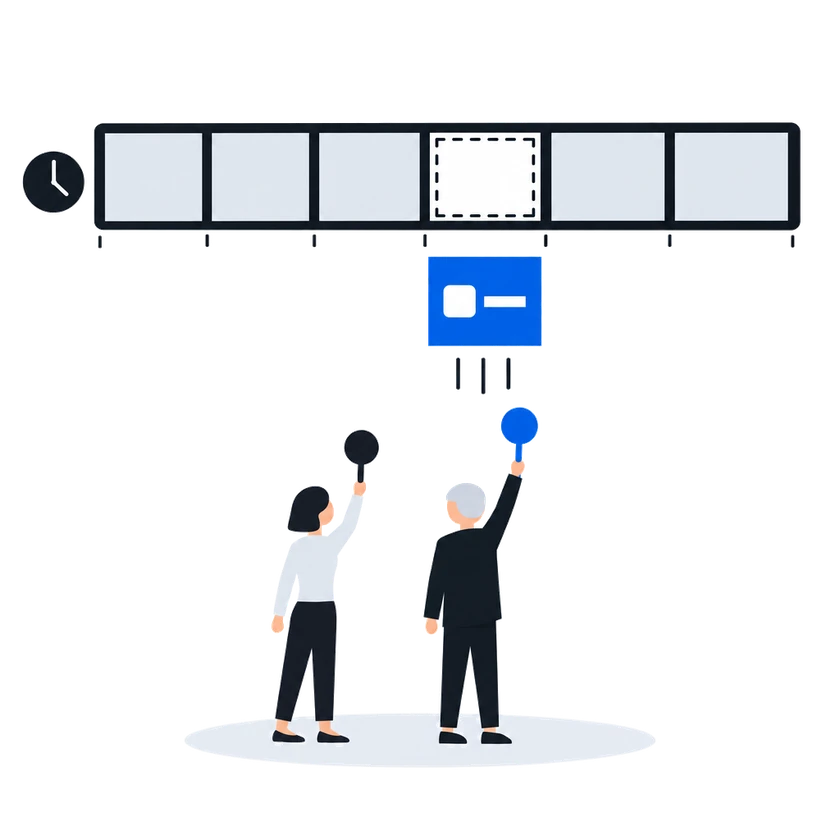
Turn on programmatic sales for an ad in your filler campaign: the ad plays as usual, and its slot is offered to the CS Context auction. Or put a programmatic ad in the filler, and the player asks for a creative when the slot comes up. A bid wins only above your floor price, and the buyer gets confirmation that the ad played.
Allocating a programmatic slot:
Programmatic ad in a filler or programmatic campaign. In a campaign with the Filler by frequency or Programmatic by frequency strategy, create an ad of the Programmatic type and set its Request order to the CS Context recommendations source. When the slot comes up, the player requests a creative from the recommendation system.
Regular filler ad offered to programmatic. Alternatively, enable the Use in Programmatic buying option on a regular ad inside a filler campaign. The filler content plays as usual, but its slot is offered for programmatic replacement. In the Lite tier this option is always on and cannot be turned off, so every filler ad’s slot is offered.
0203
“An SSP wants to connect, and I have no inventory metadata”
What happens todayNo GID, no install type, no physical size, address or photos
A screen is offered to the auction once it has a GID, programmatic sales are turned on for it and its player is active. Nothing else is checked, so a screen with no size, address or photos is offered just the same and never chosen. Fill them in, along with the side, because buyers look at them when they choose where to place an ad.
How it works, from the documentation
CS Play publishes a screen to CS Context when all of the following hold:
That is the whole gate. Nothing else is enforced — a screen with no size, no address and no photos is published exactly like a complete one, and is simply never chosen. Turning Available for programmatic off drops the screen from the next inventory update.
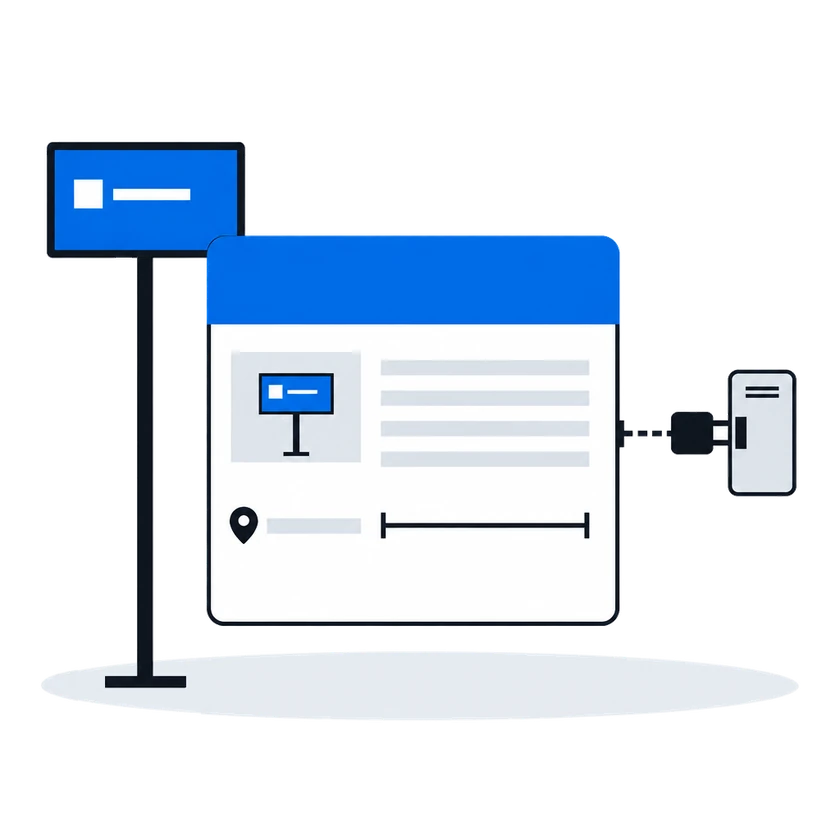
Programmatic (RTB)It is also recommended to provide the Address, Side (A/B in Latin letters), and upload Images of the screen — inventory buyers see these when choosing placements.
Installation metadata“I have no audience numbers to justify my price with”
What happens todayThe advertiser cannot measure the effect and does not renew
Connect the audience sensor at the screen, such as a Wi-Fi sensor or an AIdiencer camera, and every ad play on that frame gets its OTS: how many people had the chance to see the ad. The figure appears on each row of the ad play statistics and in every export. A screen without a sensor still records its ad plays, only without OTS.
How it works, from the documentation
OTS (Opportunity to See) is an audience measurement metric that estimates how many people had the opportunity to see an ad during playback. Unlike a simple ad play count (which records screen events), OTS measures actual audience presence near the screen.
On the Targeting tab, click Change targeting and select the frames this policy applies to. Each frame with an assigned policy reports OTS for every ad play on it.
Each ad play row on the Ad Play Statistics page includes an OTS column showing the audience count for that specific playback event.
The summary bar at the top displays the Total OTS — the sum of all audience contacts across filtered ad plays.
All export formats include the OTS value per ad play. The pivot-by-day format sums OTS values into daily totals.
If a screen does not have an audience measurement sensor installed, the OTS column shows no value for ad plays on that screen. Ad plays are still recorded normally — only the audience metric is absent.
Audience measurement (OTS)Before you start
What you doWhy, from the documentation
Give each screen you want to sell a GID on its settings
Open Screens, select the screen, and switch to the Settings tab. Fill in the GID field — the global identifier that external programmatic systems use to reference this screen’s frame. The same GID is used in Excel media plans for mass campaign creation.
Programmatic (RTB)Put an audience sensor at each screen you price by audience, and point an OTS policy at it
The player collects OTS values by polling an HTTP endpoint of the audience sensor (Wi-Fi trap, AIdiencer, or any compatible counter) during each ad play. Which endpoint to poll, how to parse its response, and how to authorize against it is defined by an OTS policy.
Audience measurement (OTS)Switch on the CS Context integration with the token and address your CS Context instance gives you
Mark each screen you sell as available for programmatic and give it a size, an address and photos, because a screen without them is published but never chosen
Offer filler slots to the auction, either with a programmatic ad in a filler campaign or by marking a regular filler ad for programmatic buying
Customers in this situation
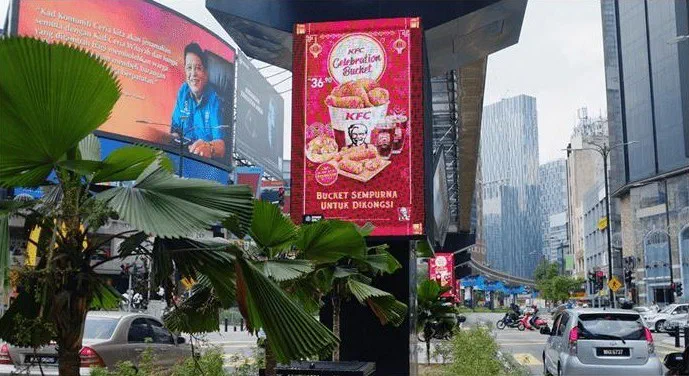
Big Tree, Malaysia's biggest digital out-of-home operator, plays video ads on its screens for more than 16 hours a day with CS Play and media players from CityScreen. It also uses CS Deals and CS Context.
 Illustration
Hat Trick, a DOOH operator in Eastern Europe, launched CS Play, CS Context and Omni360 WL DSP, its own branded programmatic platform. It now sells its own and partner operators' inventory, and its unsold inventory goes to programmatic buyers automatically.
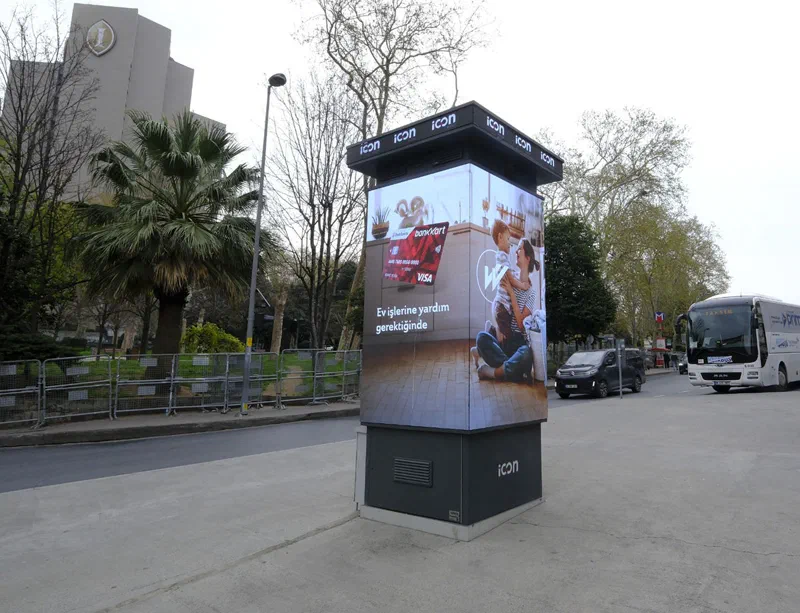
Icon DOOH, the digital out-of-home brand of Birlik Medya, runs the LED towers at its 40 sites in Istanbul on CS Play. CS Play AIdiencer cameras count the audience at the screens. Icon DOOH has run Adform campaigns through CS Context on a CPM basis using these counts, and the same counts give its classic campaigns OTS figures in CS EdgeInsights.
 Illustration
Pixel Media, which reports 200+ LED screens and 500+ billboards across Uzbekistan, connected its screen inventory to programmatic DOOH. Its screens are available for pDOOH campaigns in Uzbekistan.
Targeting & audience
Analytics & reporting
Monetization & partners
Other scenarios
Roadside digital billboards on CS Play: scheduled brightness, competitive separation, playback forecasts that flag overbooking, and proof-of-play for remote sites.
ExploreMedia facades and LED screens on CS Play: budget Android controllers as full players, separate visible and physical resolution, NovaStar brightness control.
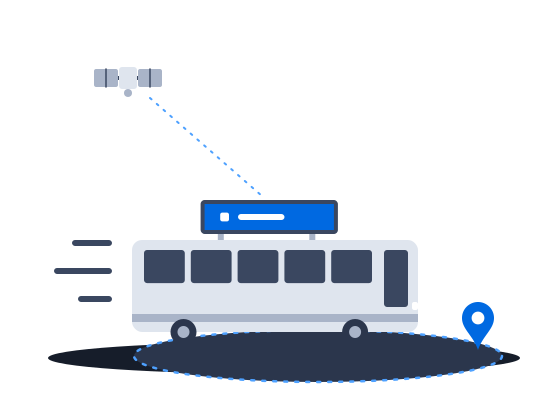
ExploreContent that knows where the vehicle is: geofenced playback, GPS/GLONASS-aware creatives and offline resilience for screens that move.
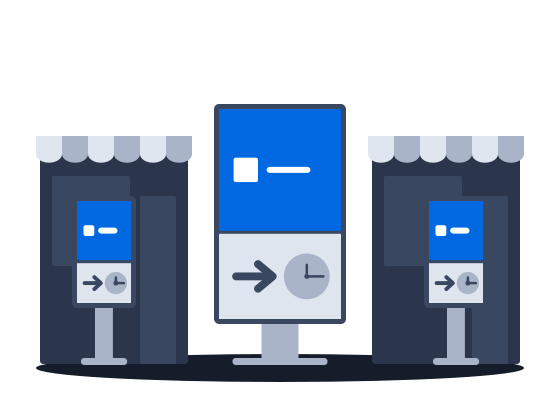
ExploreMalls, retail and venue screens on CS Play: zoned layouts, fillers, event-triggered content and mass rollout across hundreds of screens.
ExploreLarge networks on CS Play: silent fleet deployment, criteria targeting that reaches thousands of screens in one selection, role separation and an audit of who changed each campaign.
ExploreSell airtime across several owners' networks on CS Play: scoped partner access, airtime quotas per screen group, and proof-of-play and photo reports per campaign.
Explore