1–50 screens · starting out
First screens
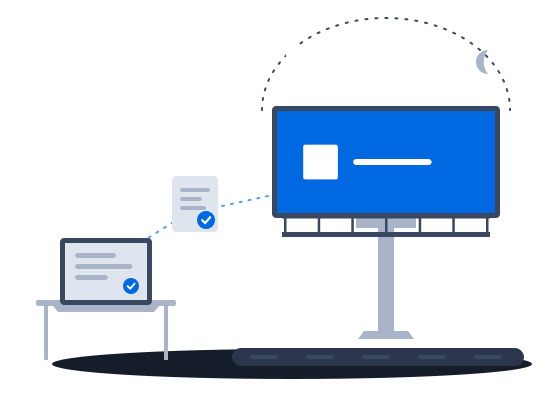
Start a DOOH network on hardware you already own: PIN pairing, one ad for every resolution, and a default schedule that new screens pick up automatically.
ExploreAn ad with an area drawn on the map plays on a vehicle’s screen only while the vehicle is inside it. One interactive ad shows different content on each frame and is not affected when the connection drops. A vehicle that has been without a network for days gets its update on a USB drive, and the ad plays it recorded reach your account once it is back online.
The context
A screen on a bus or a taxi crosses the whole city, so with generic tools it plays the same loop everywhere, and an advertiser who wants one district pays for the whole route. Mobile data on the road comes and goes: content that loads from the internet stalls, and a vehicle that stays out of reach for days goes on playing old content.
01/03The ad plays only inside the area the advertiser bought
“I sell transit screens by area on the map”
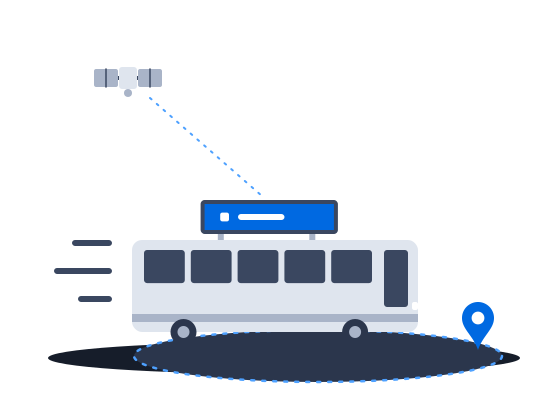
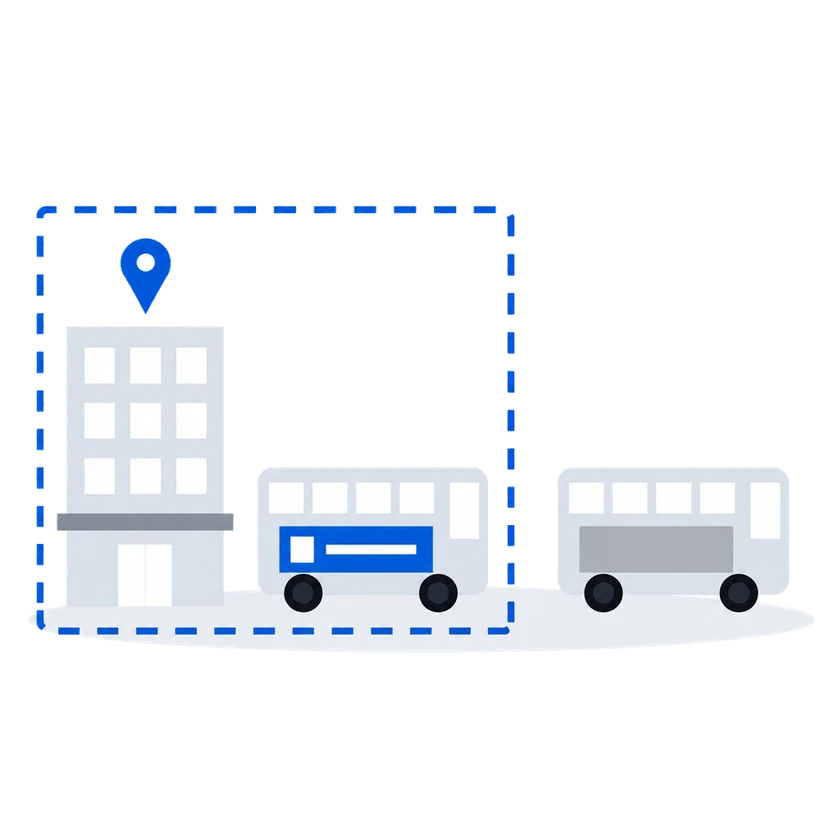
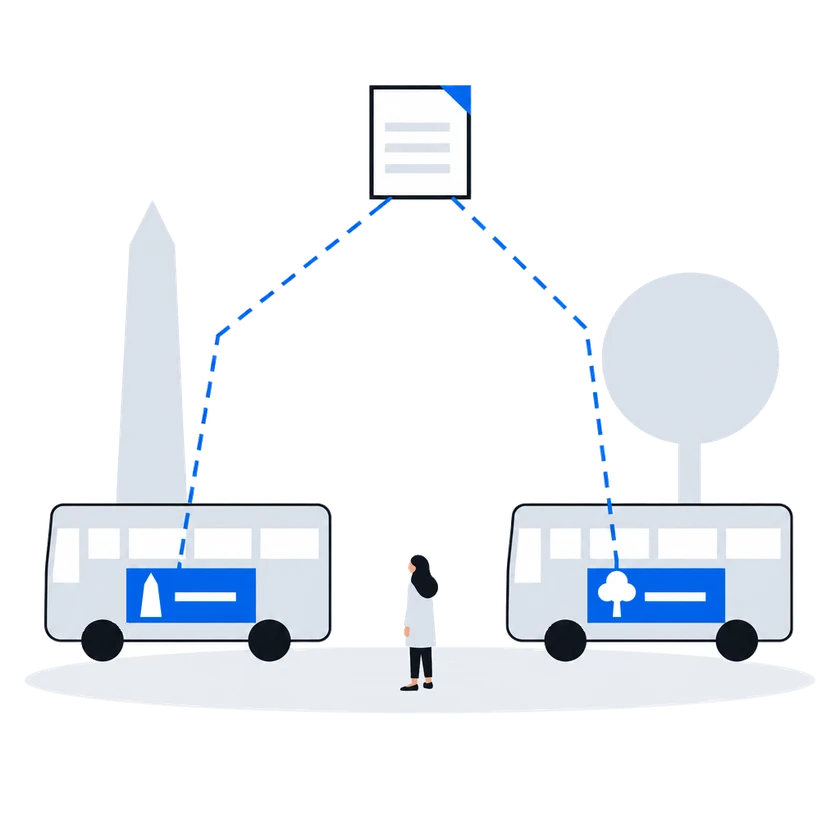
Draw an area on the map in the ad, and a screen on a vehicle with GPS plays that ad only while it is inside the area. An advertiser can buy the streets around their shops instead of the whole route. Geofencing works for ads of automatic campaigns, so run these ads in one.
Geofencing is a setting for ads of automatic campaigns only.
The Geofencing setting relates to the non stationary screens equipped with the GPS system which transmits its location (like the screens on moving vehicles). In this case the ads would play back only when the screen’s location falls within the ad’s geofencing settings.
Geofenced playback0203
“One creative adapts to every site on its own”
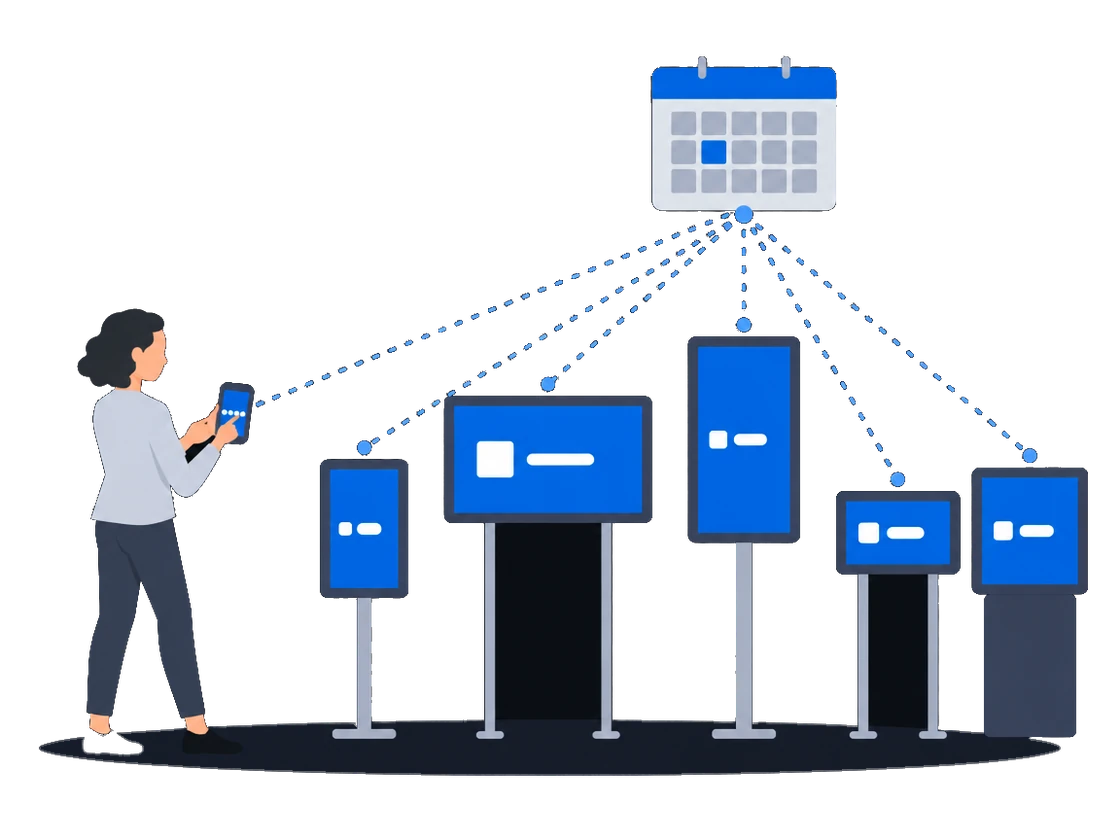
Program one interactive ad to show different content depending on the frame it plays in, instead of making an ad for each screen. Unlike a website, the ad is stored on the player, so a weak or lost connection does not affect it.
How it works, from the documentation
In HTML5 and websites you can play different content on different frames. And you don’t need to create several ads for different screens. You can create only one ad and program it to play different content depending on a frame. To do that you need to receive frame ID.
Interactive advertisementsAn HTML5 ad, unlike a website ad, is located on the player and is not affected by the Internet connection problems. A file of an HTML5 ad is a zip archive that should contain at least the index.html file.It can also contain any other files, such as javascript files, css files, videos, images and so on.
“A screen has been without a network for days, and I need to update it”
What happens todayThe link drops for days, and the only way to update the screen is to go to it
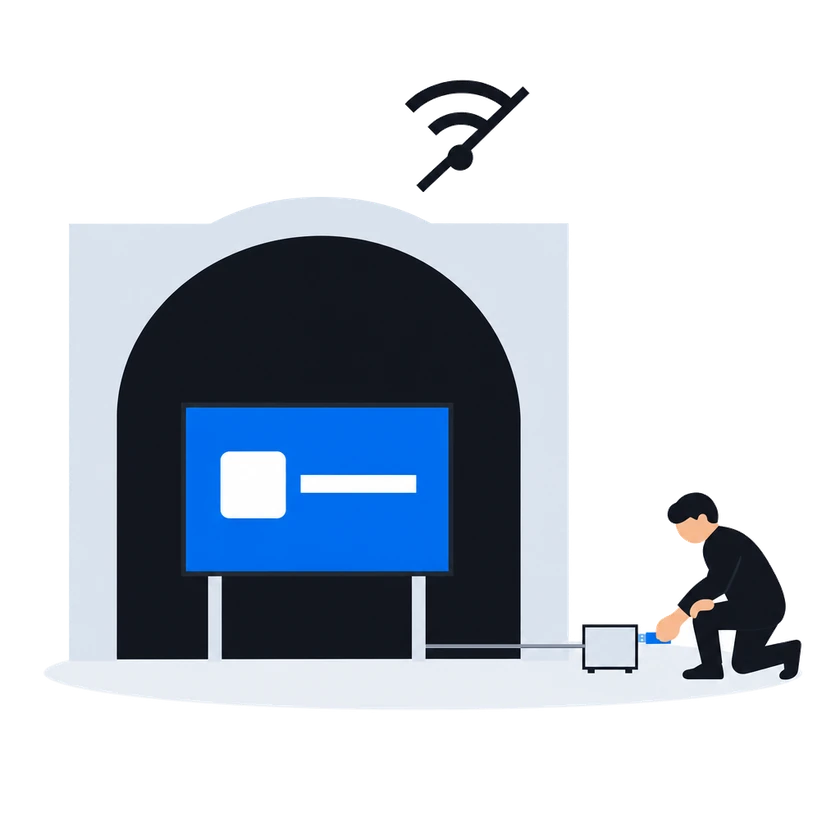
When a screen has lost its connection and there is no other way to reach it, carry the new content to the player on a USB drive. The player plays the new content if it is newer than what it has, and otherwise keeps playing what it has. The ad plays recorded while it was offline reach your account once the connection is back, and the drive works only for a player that has received updates over the internet at least once.
How it works, from the documentation
Offline content update via USB drive is a backup mode of transferring new media content to player, when the Internet connection on the player is lost and there’s no other way to update content on this player.
When the zip-archive is detected, the broadcast will stop, and the update will begin.The Content update in progress… message will be displayed on screen during the update.
If the updates are valid and newer than the current content on a player, then after the update is complete the Content update is complete message will be displayed on a screen, and the player will start to play new media content.
If the updates are outdated, then the player will skip these updates and will continue to play the current content.
Before you start
What you doWhy, from the documentation
Fit each vehicle's screen with GPS and put the ads tied to an area in an automatic campaign, because geofencing works only there
Have the interactive ad built as a zip archive that runs on the player and reads the frame it plays on, so that it does not depend on the connection
Pair each vehicle's player and let it take at least one update over the internet before it relies on USB drives, because an offline update works only after that
Offline content update becomes possible only after a player was connected to your CS Play account and at least once received updates via the Internet.
Offline content update via USBBring each vehicle back online regularly, because its ad plays reach your account only then, and a player that stays offline for a long time may no longer take a USB update
Offline proof-of-play reports are stored on the player’s device, and they will be available in your CS Play account only after the Internet connection is restored.
If a player stays without the Internet for a long time, offline content update may become unavailable.
Offline content update via USBCustomers in this situation
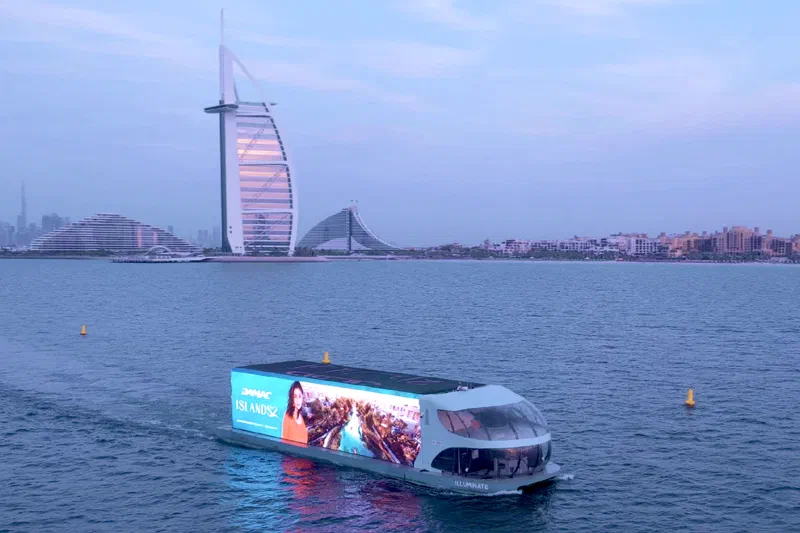
Blue Ad Advertising expanded its premium DOOH offer in Dubai with a network of Superformat digital screens on Sheikh Zayed Road, Hessa Street and Umm Suqeim. CS Play manages the content on these screens and on Illuminate, Blue Ad's vessel with 3D LED screens that cruises Dubai Creek, Palm Jumeirah and Dubai Marina.
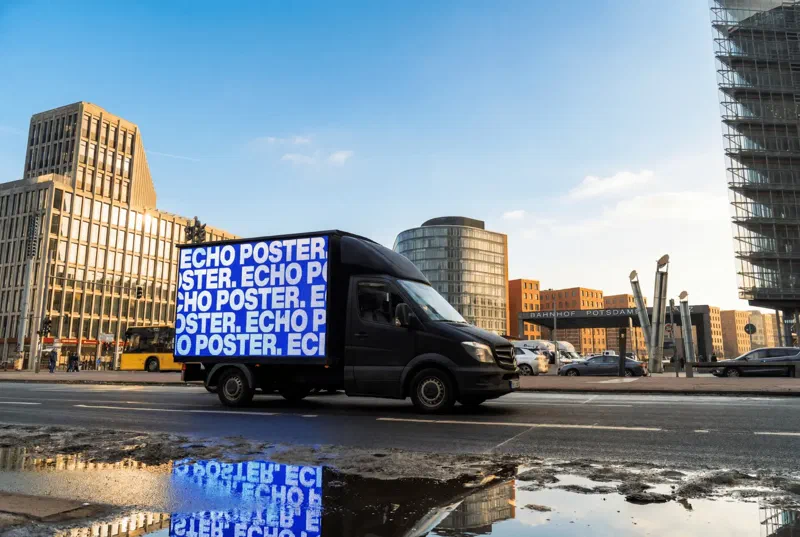
Echo Poster, a German out-of-home advertising company, manages its 3D LED trucks, LED bikes, LED spheres and LED backpacks in Berlin from one cloud-based CS Play environment.
 Illustration
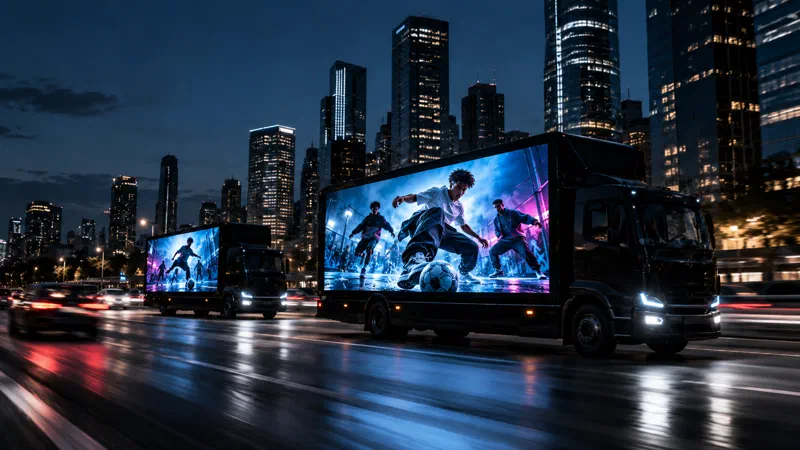
In Buenos Aires, Target Vía Pública's LED trucks ran on CityScreen Latam's CS Play during Nike Toma El Juego, and the agency American Ads combined Nike content with live streaming on their screens.
Targeting & audience
Content & creatives
Deployment & fleet ops
Other scenarios
Start a DOOH network on hardware you already own: PIN pairing, one ad for every resolution, and a default schedule that new screens pick up automatically.
ExploreRoadside digital billboards on CS Play: scheduled brightness, competitive separation, playback forecasts that flag overbooking, and proof-of-play for remote sites.
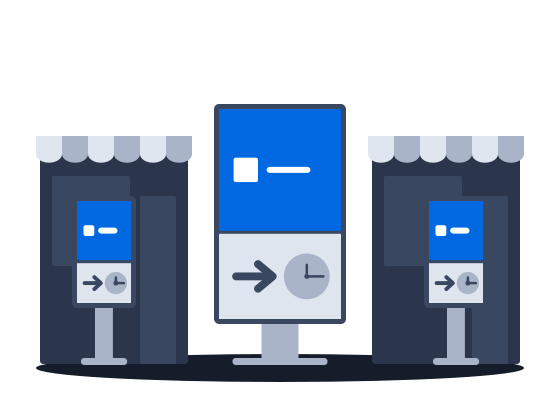
ExploreMalls, retail and venue screens on CS Play: zoned layouts, fillers, event-triggered content and mass rollout across hundreds of screens.
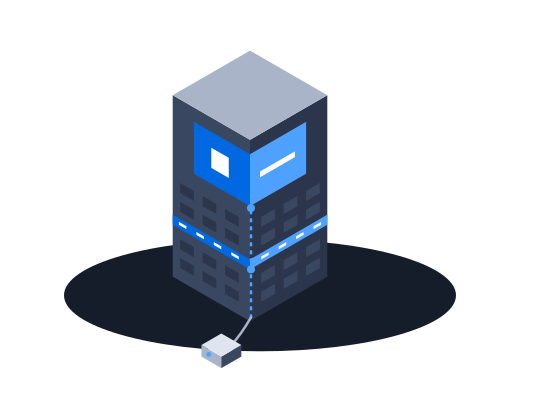
ExploreMedia facades and LED screens on CS Play: budget Android controllers as full players, separate visible and physical resolution, NovaStar brightness control.
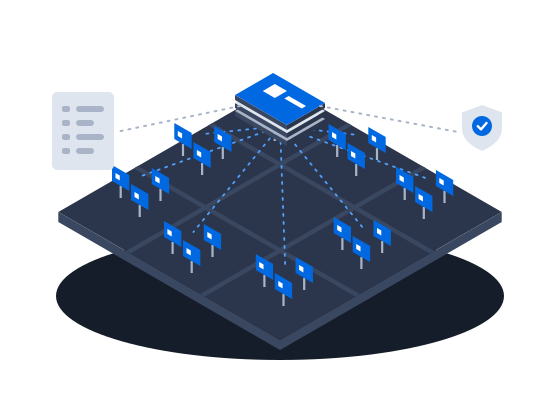
ExploreLarge networks on CS Play: silent fleet deployment, criteria targeting that reaches thousands of screens in one selection, role separation and an audit of who changed each campaign.
ExploreProgrammatic DOOH sales on CS Play: inventory passports SSPs can read, OTS from audience sensors, RTB and private deals, and unsold airtime offered to the CS Context auction.
ExploreSell airtime across several owners' networks on CS Play: scoped partner access, airtime quotas per screen group, and proof-of-play and photo reports per campaign.
Explore