For agencies and DSPs

Buy the screens of media owners who sell through CS Context

Media owners on CityScreen sell programmatic airtime through CS Context, their own SSP. You connect your buying platform once in each market, each media owner that wants to sell to you switches you on, and every opportunity you win comes back as delivered or not shown.

Connected DSPs

Is your DOOH DSP already connected?

CS Context is integrated with these DOOH DSPs and with dozens of others in different countries. If you buy through one of them, any media owner on the platform can switch it on and sell you its screens.

  • Hivestack
  • Vistar Media
  • Oohdesk
  • OmniBuy
  • Adform
  • + dozens more DOOH DSPs in different countries

A DSP that speaks CityScreen’s own SSP protocol connects without a special integration.

How buying works

From the first connection to the proof of each play

Each media owner decides whether to sell to you, on which faces and at what floor prices.

Step 1
Connect

Connect once, then add media owners as they switch you on

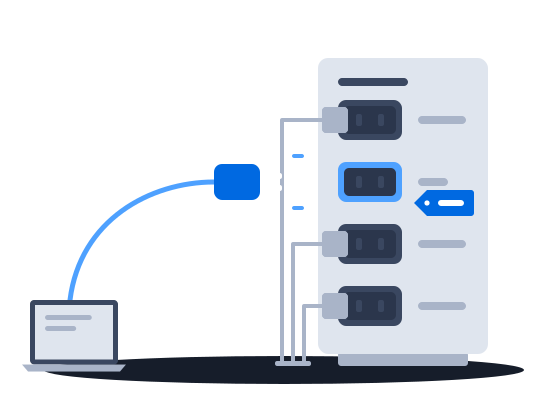
Once your platform is connected, every media owner on the platform can switch you on without a new integration. A media owner that wants to sell to you enables you, admits you to a price list and gives you its access token, and you can then read its catalog of active faces and start buying.

  • VIOOH and COT also buy through integrations of their own
Step 2
Buy

Bid at auction or reserve airtime in advance

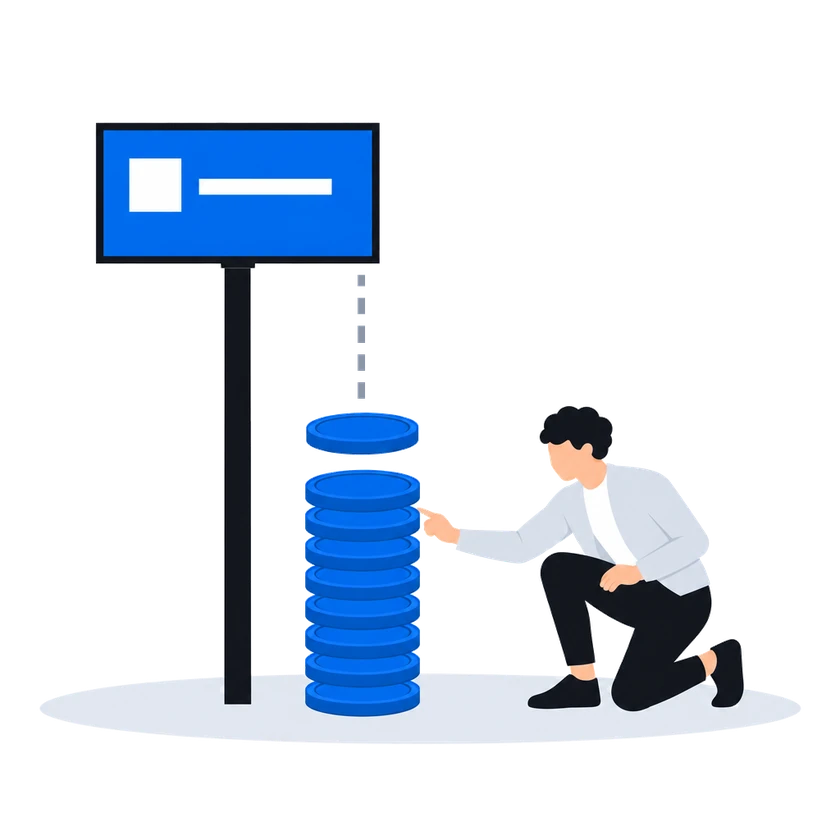
In the default second-price auction, every offer shows the floor price, and the winner pays a price set by the runner-up’s bid and the floor. Programmatic guaranteed and automated guaranteed campaigns reserve plays on named faces at a price agreed before delivery.

  • Every buyer that loses is told why, and the winning amount when it lost on price
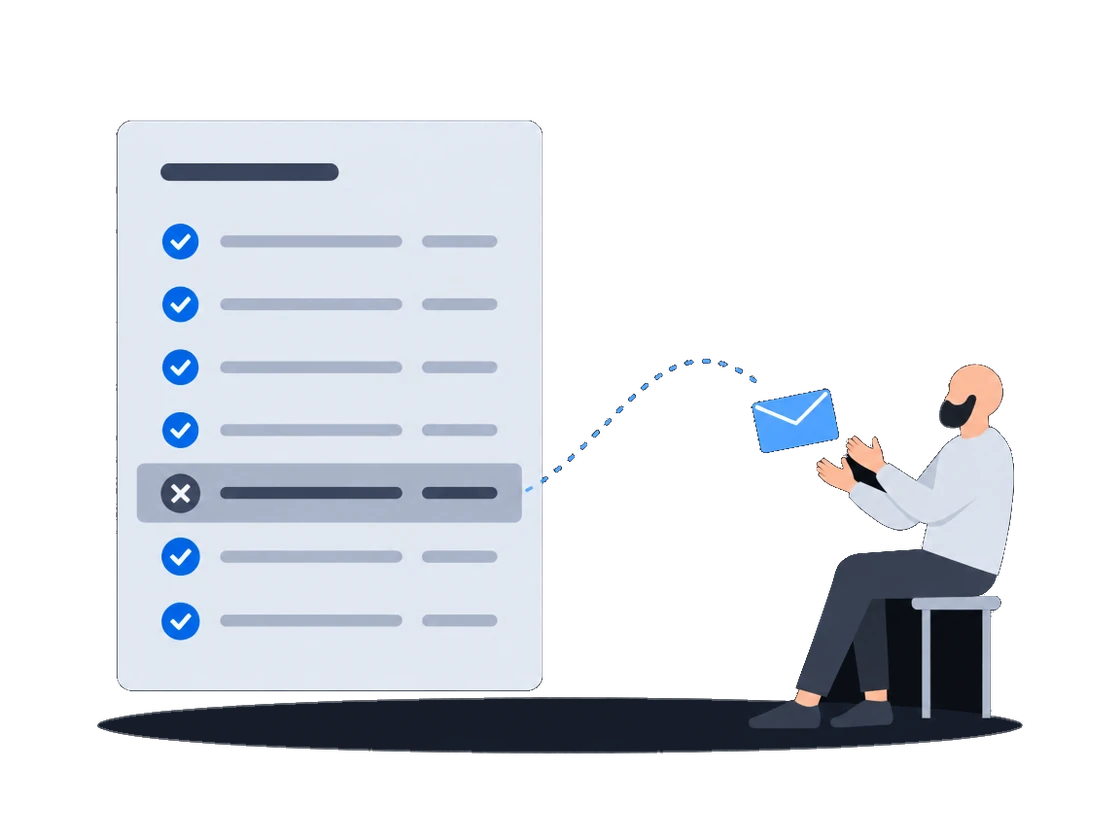
  • A rejected creative comes back with the reviewer’s reason
  • An approved creative comes with the faces it may bid on
Step 3
Verify

Check each play you paid for

CS Context reports the outcome of every opportunity you won as delivered or not shown, and in real-time bidding a play that is not confirmed in time is never billed. Each win notice carries the price you pay.

  • Photographs of your own ad, where the screen’s CMS supplies them
  • A photograph supplied by hand is marked as such
  • Outcome notices are resent until your platform acknowledges them, up to a set number of retries

Sales models

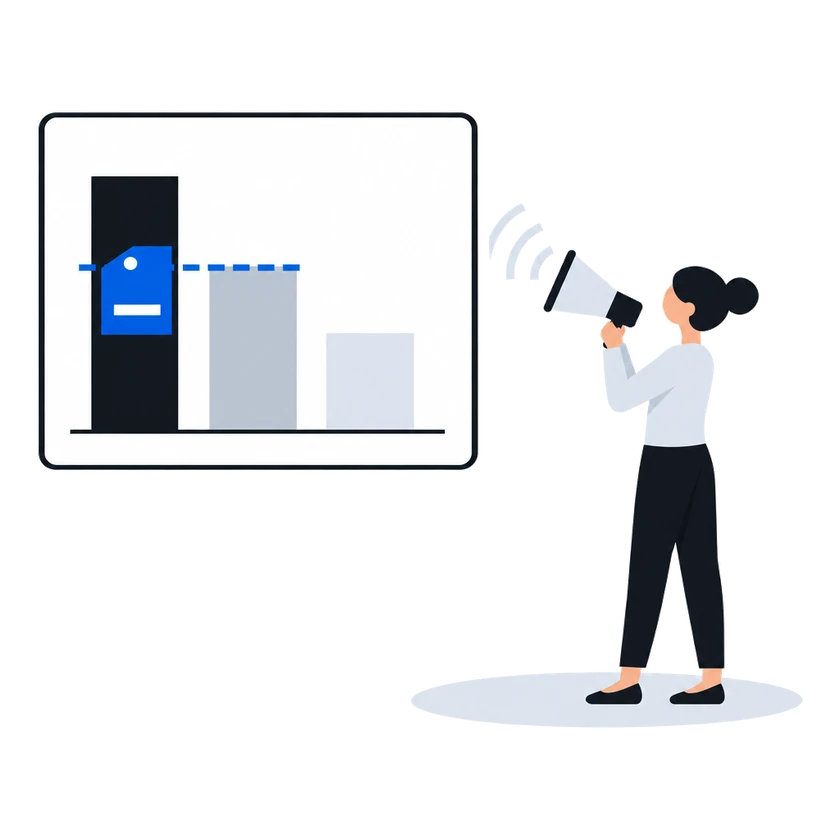
4 ways to buy through CS Context

Each media owner chooses which faces it sells under each model and at what price.

  1. Auction (RTB)

    Every partner on the price list is offered the opportunity at the same moment, and the winning bid pays the second price.

    Price
    The winning bid, cleared at the second price
    Reserved
    Nothing; you pay for confirmed plays
  2. Programmatic guaranteed

    You propose faces, a schedule, plays per hour and a budget, and once the campaign is reserved, its plays take the reserved hours ahead of every bid.

    Price
    Fixed on the price list when the campaign is reserved
    Reserved
    A budget and plays per hour on named faces
  3. Automated guaranteed

    The media owner reviews your campaign and reserves it against each face's capacity, and its CMS plays the campaign in its own loop. This model is available on screens that CS Play runs.

    Price
    From the media owner's price grid, agreed at reservation
    Reserved
    A frequency over a period on named faces
  4. Private deal

    A fixed slot in the loop goes to one partner, whose own ad server chooses what plays. Hivestack, Vistar Media and VIOOH buy this way.

    Price
    Agreed outside the platform
    Reserved
    A fixed slot in the loop

Scenarios for buyers

The buying side, step by step

Each scenario page shows what the platform does for a buyer, quoted from the CS Context documentation.

CS Context Integrate and buy

One connection to every media owner on the platform: registered once, switched on by each media owner, with the floor shown before you bid and a reason with every rejected creative.

Explore
CS Context Verify what you bought

Buy DOOH on evidence: the outcome of every opportunity reported to you, photographs where the screen's CMS supplies them, and the price you pay in every auction win notice.

Explore

Customers

Media owners whose screens are open to programmatic buying

All customer cases

Questions

Before you ask

How is the winning price set?
In the default second-price auction, the winner pays a clearing price derived from the runner-up’s bid and the floor price, and the win notice carries that price. A partner the platform administrator has switched to first price pays its own bid.
Which protocols and partners are supported?
A DSP that speaks CityScreen’s own SSP protocol connects without a special integration. Hivestack, Vistar Media, Oohdesk, OmniBuy, Adform and dozens of other DOOH DSPs in different countries are already connected. Hivestack, Vistar Media and VIOOH buy through private deals, and COT books airtime through its own protocol.
Why do creatives need approval?
Screens stand in public space, so the media owner’s reviewers approve each creative before it can play. A media owner can put a buyer it trusts on its automatic approval list, and that buyer’s creatives are then approved as they arrive.
Does CityScreen buy media?
No. CS Context sells airtime on each media owner’s behalf and does not buy advertising.
Which markets can we reach?
CityScreen works with media owners in South-East Asia, Central Asia, Turkey, Central and Eastern Europe, Latin America and Africa, and each media owner decides which of its screens it sells to programmatic buyers. Your platform connects once in each market. The markets page has a page for each region.

Tell us about your buying platform, and we will walk you through the connection.